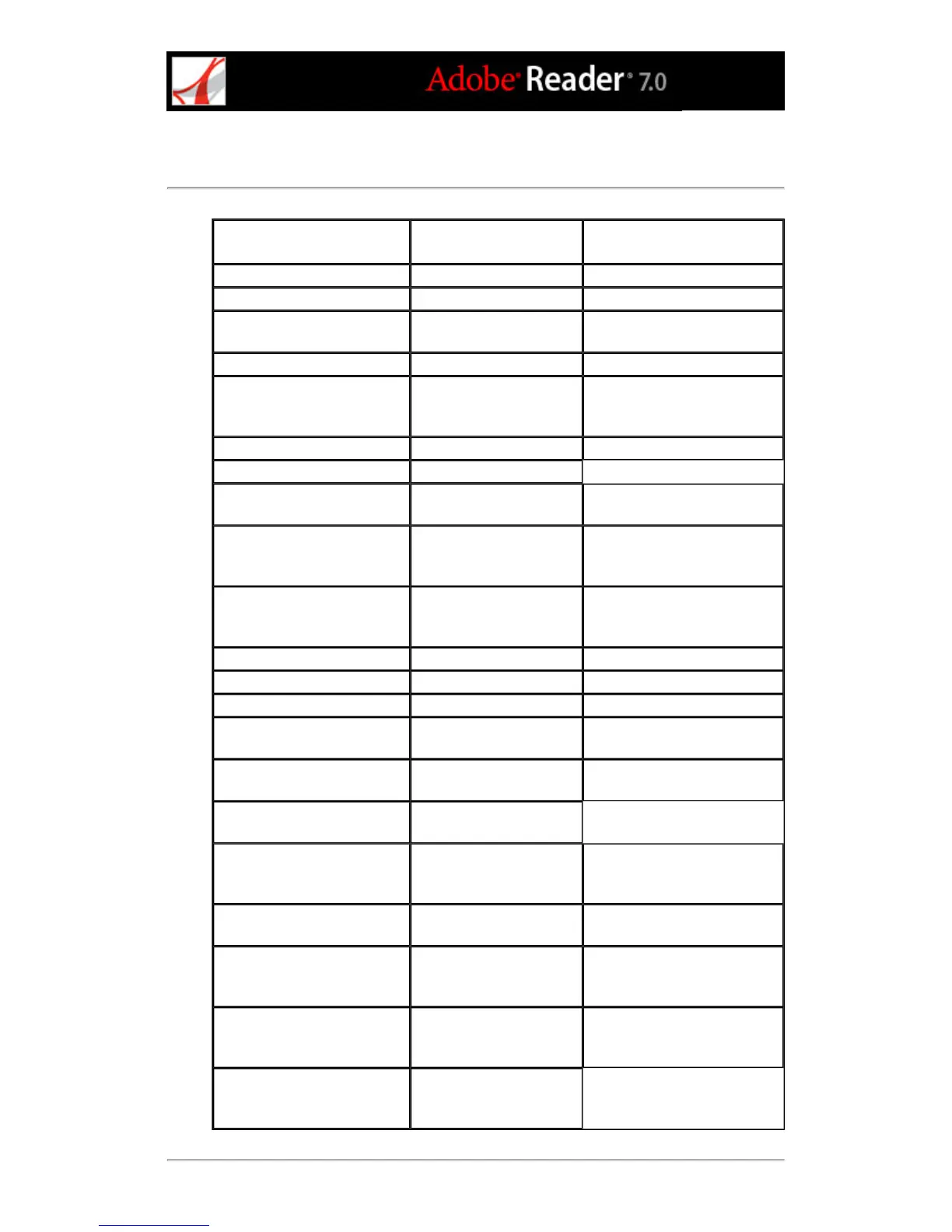
Keys for general navigating
Result Windows Action Mac OS Action
Show/hide menu bar F9 Shift+Command+M
Move focus to menus F10 F10
Move focus to toolbar in
browser
Shift+F8 Shift+F8
Open Properties toolbar Ctrl+E Command+E
Activate selected tool, item
(such as a movie or
bookmark), or command
Spacebar or Enter Spacebar or Enter
Open context menu Shift+F10 Control+click
Close context menu F10
Return to Hand tool. Move
focus to document pane.
Esc Esc
Move to next open document
(when focus is on document
pane)
Ctrl+F6 Command+ ~ (tilde)
Move to previous open
document (when focus is on
document pane)
Ctrl+Shift+F6 Command+Shift+F6
Close current document Ctrl+F4 Command+F4
Close all open windows Ctrl+Shift+W Command+Shift+W
Move focus to document pane F5 F5
Move focus to next pane or
panel
F6 F6
Move focus to previous pane
or panel
Shift+F6 Shift+F6
Move focus to next tab in a
tabbed dialog box
Ctrl+Tab
Move to next search result
and highlight it in the
document
F3 F3
Select text (when Select tool
is selected)
Shift+arrow keys Shift+arrow keys
Select next word or deselect
previous word (when Select
tool is selected)
Shift+Ctrl+Right Arrow
or Left Arrow
Shift+Command+Right
Arrow or Left Arrow
Move cursor to next/previous
word (when Select tool is
selected)
Ctrl+Right Arrow or Left
Arrow
Command+Right Arrow or
Left Arrow
Move focus to status bar
when focus is in document
pane
Shift+F5



 To Next Page