About the work area
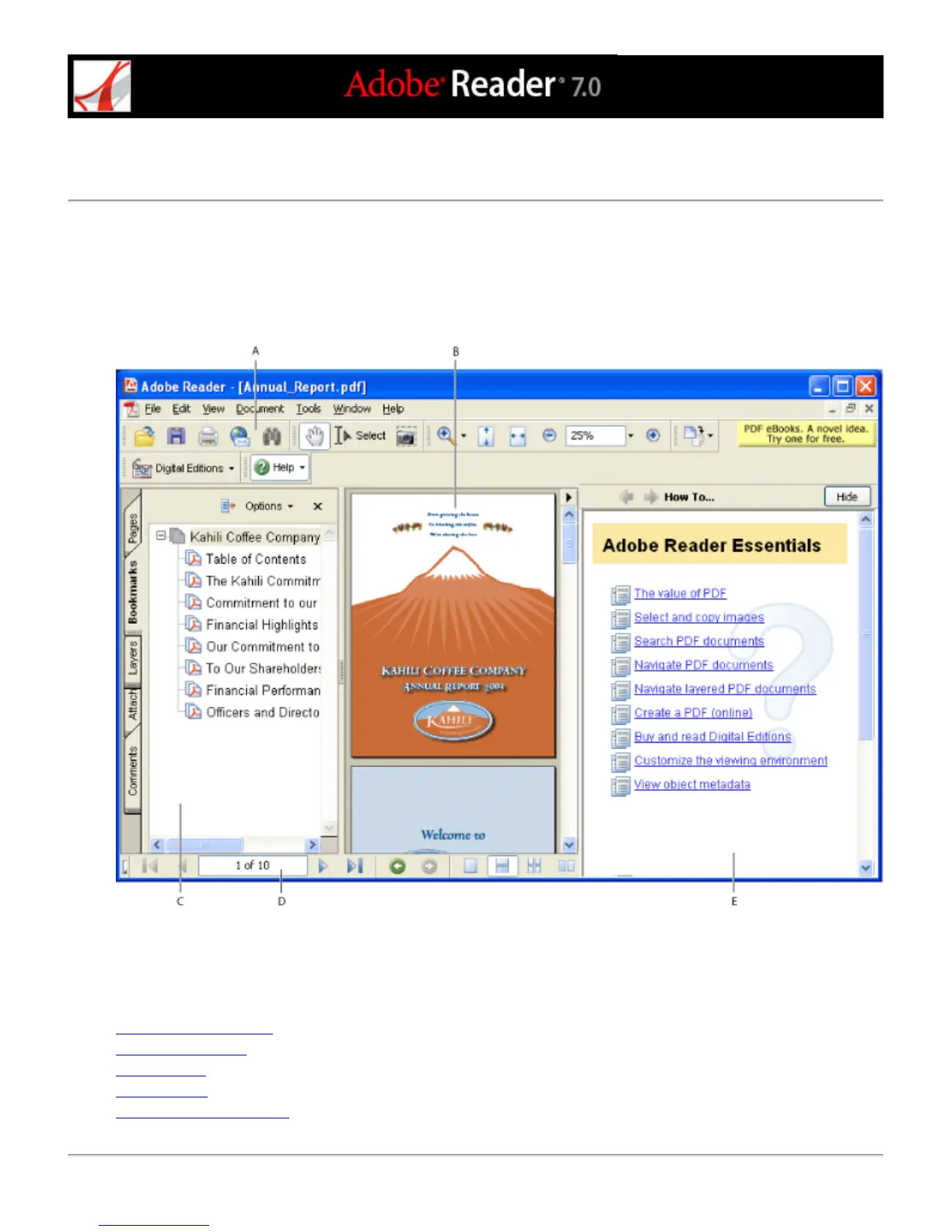
The Adobe Reader window includes a document pane that displays Adobe PDF documents. On the left side is a
navigation pane that helps you browse through the current PDF document. Toolbars at the top of the window and
the status bar at the bottom of the window provide other controls that you can use to work with PDF documents.
You can also open a How To window on the right side with an overview of common tasks.
Reader work area A. Toolbars B. Document pane C. Navigation pane (Bookmarks tab displayed) D. Status bar E. How To
window
Related Subtopics:
Using the navigation tabs
Using context menus
Using toolbars
Selecting tools
Using the Properties toolbar



 To Next Page