CHAPTER 5
124
Enhancing and Restoring Audio
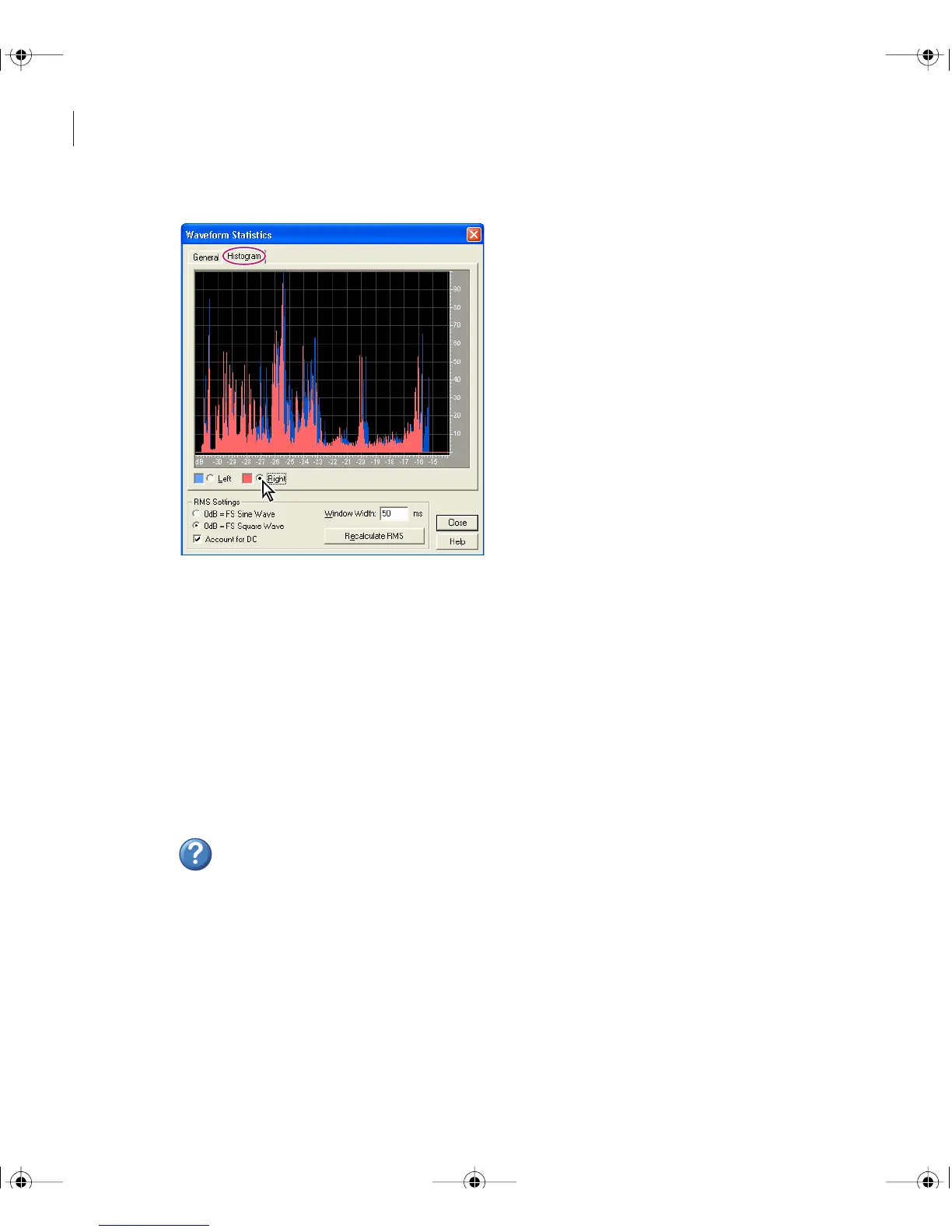
Waveform Statistics dialog box, Histogram tab
To view a waveform histogram:
1 In Edit View, select an audio range.
2 Choose Analyze > Statistics, and click the Histogram tab.
3 Select Left or Right to display either the left or right channel in the foreground.
To view numerical waveform statistics:
1 In Edit View, select an audio range.
2 Choose Analyze > Statistics, and click the General tab.
For more information, search for “Waveform Statistics options” in Help.
ug.book Page 124 Tuesday, March 16, 2004 1:29 PM



 To Next Page