CHAPTER 6
156
Applying Stereo, Pitch, and Delay Effects
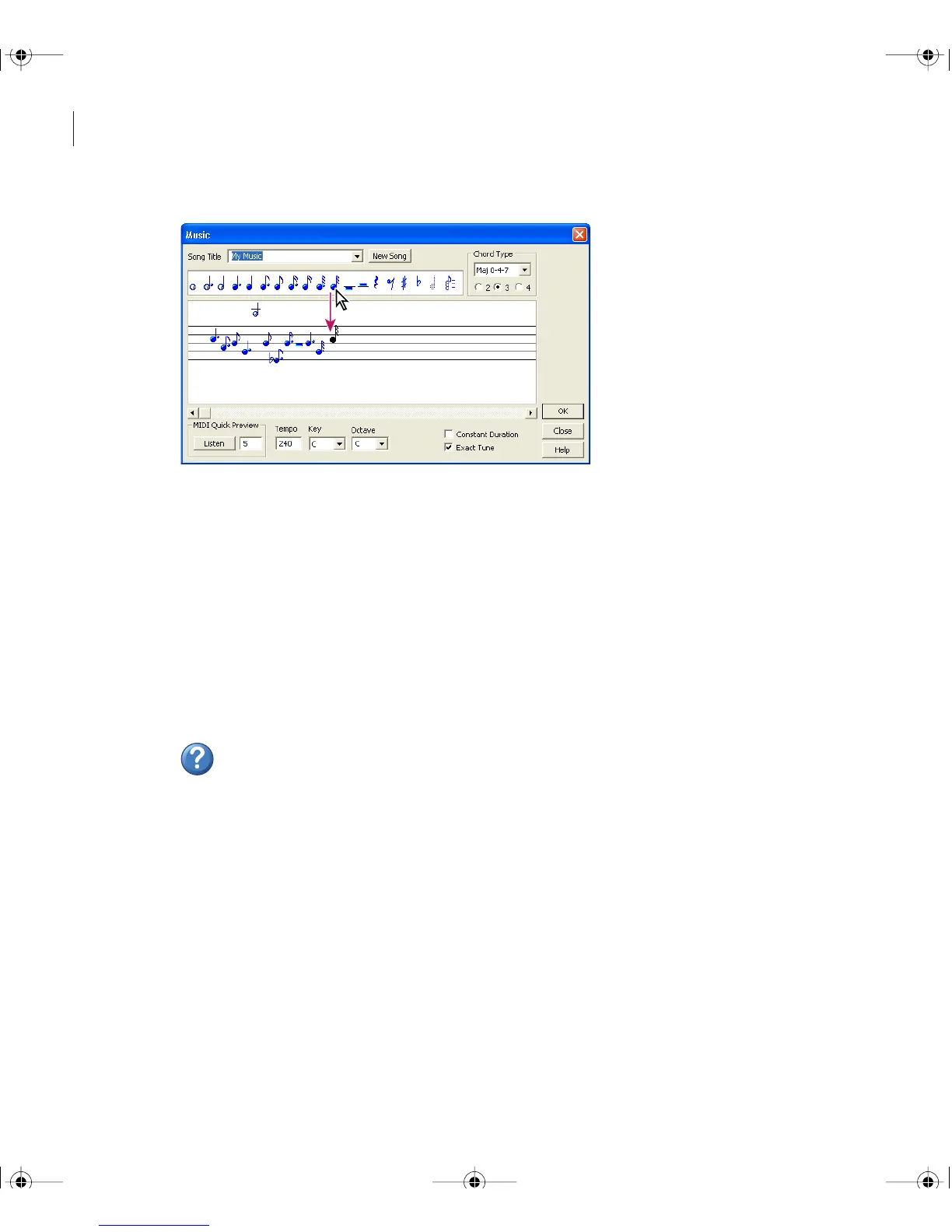
The Music dialog box
To use the Music effect:
1 In Edit View, select the part of the waveform you want to use as a quarter note.
Note: This selection must be under ten seconds long. If you don’t select a range, Adobe
Audition uses the data on the clipboard instead. Keep in mind that the clipboard data is filled
with the sample automatically after music is generated. Thus, selecting music a second time
automatically uses the last sample.
2 In the Effects tab of the Organizer window, expand Special, and double-click Music.
3 Set the desired options.
For more information, search for “Music options” in Help.
Using multitrack-only effects
Some effects in Adobe Audition are available only in Multitrack View. The Effects menu
and the Multitrack category in the Effects tab contain all of these effects. For information
about selecting clips and ranges in Multitrack View, see “Selecting ranges in the track
display” on page 164.
ug.book Page 156 Tuesday, March 16, 2004 1:29 PM



 To Next Page