191
ADOBE AUDITION 1.5
User Guide
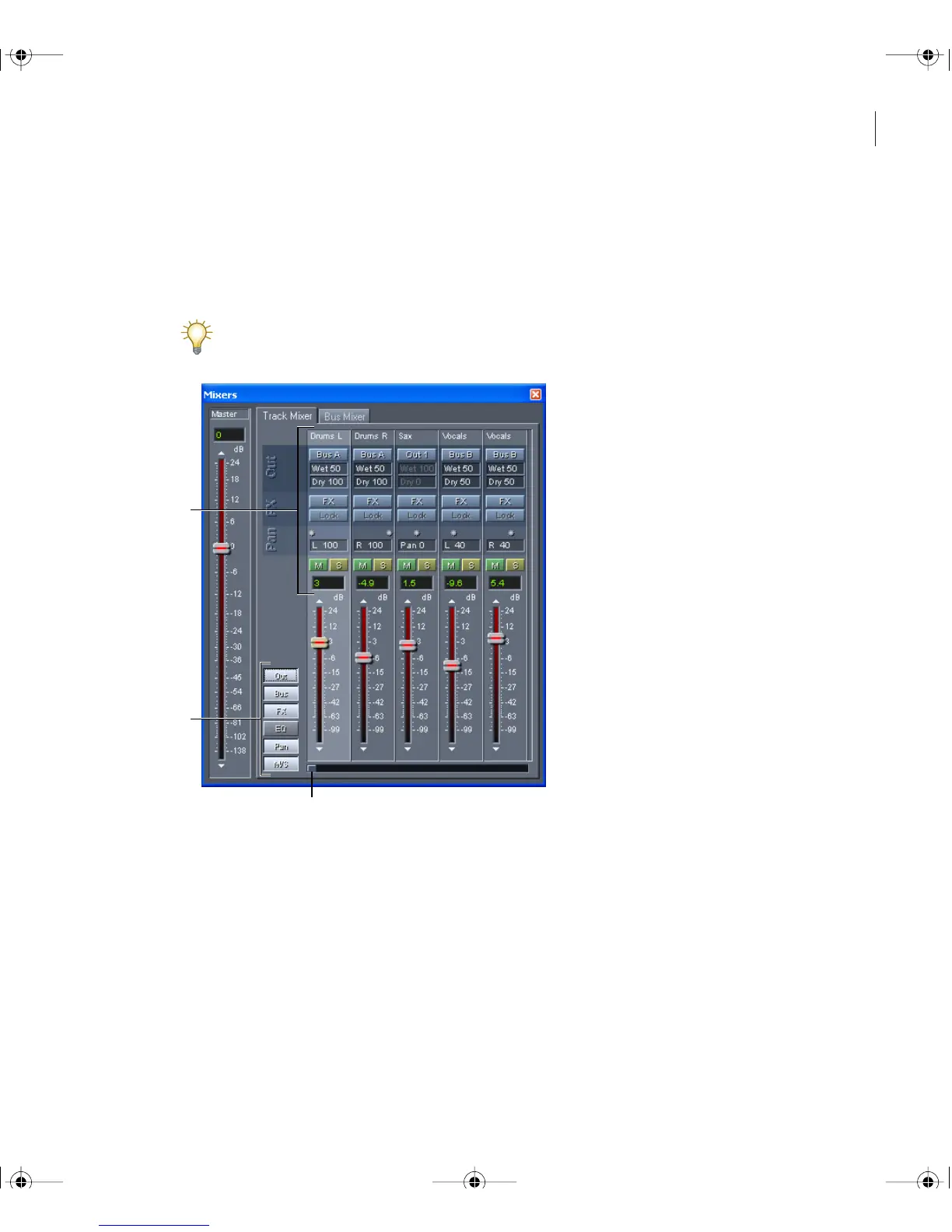
Using the Track Mixer
The Track Mixer provides another method for viewing the tracks in a session. Though it
lacks the waveforms, clips, and envelopes visible in the track display, the Track Mixer lets
you view and edit more tracks simultaneously.
To automate volume and pan changes over time, use clip envelopes. (See “Automating
mixes with clip envelopes” on page 188.)
The Track Mixer
A. Track controls B. Control display buttons C. Scroll bar
A
B
C
ug.book Page 191 Tuesday, March 16, 2004 1:29 PM



 To Next Page