CHAPTER 7
194
Mixing Multitrack Sessions
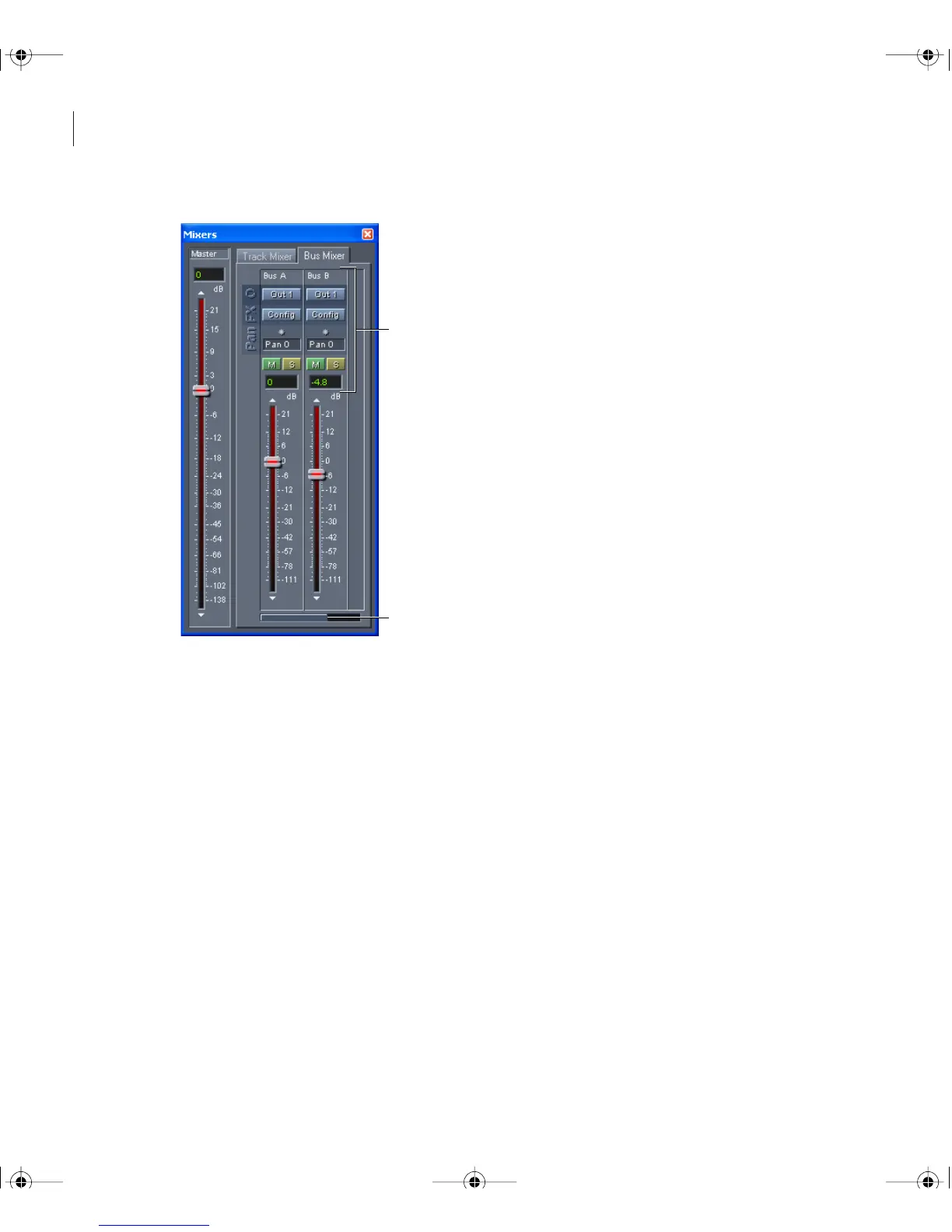
The Bus Mixer
A. Bus controls B. Scroll bar
To create and configure a new bus:
1 In Multitrack View, choose Window > Mixer.
2 Click the Bus Mixer tab, and then click New in the right-most Bus channel.
3 In the Bus Properties dialog box, enter a name in the Friendly Name field, and select an
output device.
4 In Installed Real-Time Effects list, select effects for the bus, and click Add.
5 Click OK.
A
B
ug.book Page 194 Tuesday, March 16, 2004 1:29 PM



 To Next Page