CHAPTER 2
58
Setting up Adobe Audition
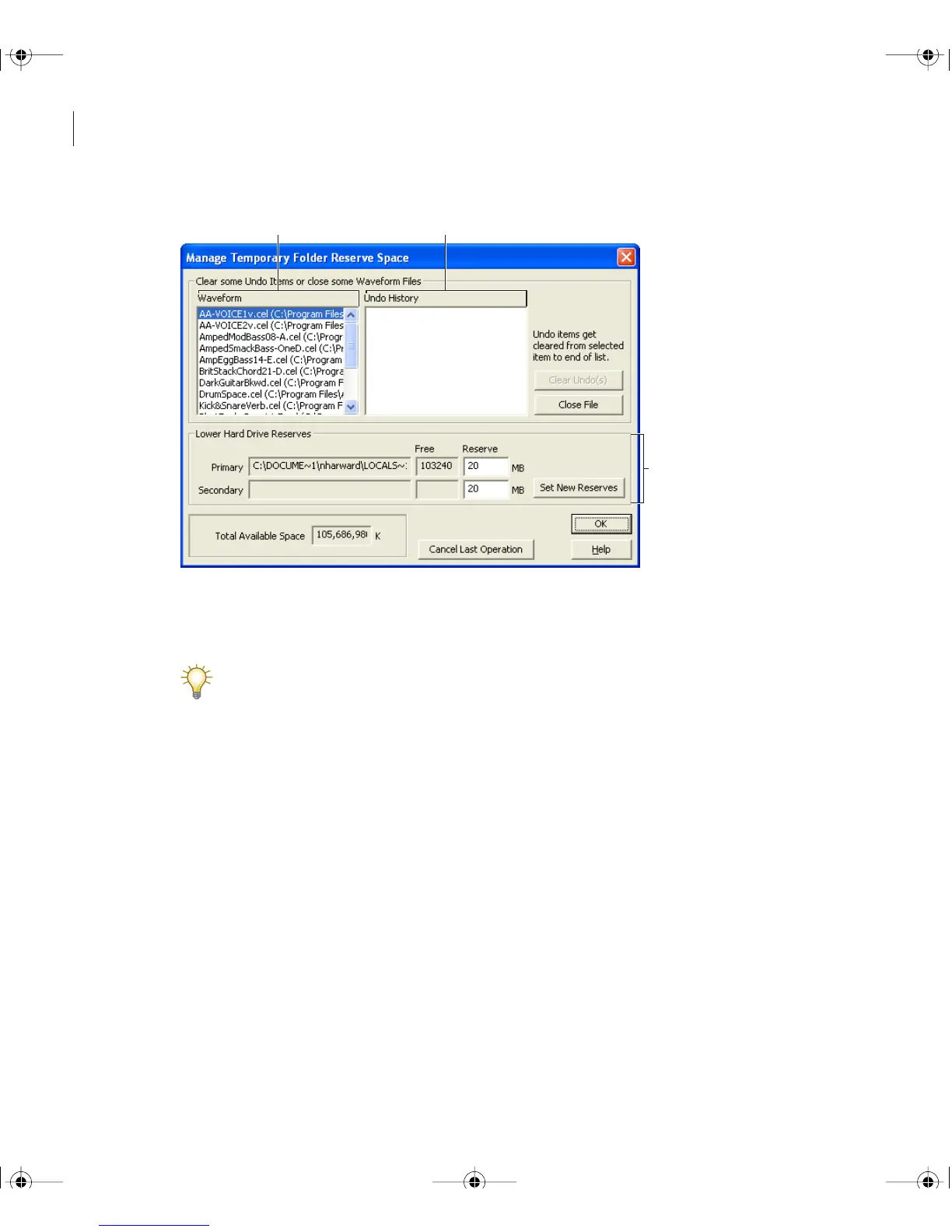
Manage Temporary Folder Reserve Space dialog box
A. Open waveforms B. Undo items for the selected waveform C. Location of primary and
secondary temporary folders
Use the Status Bar to monitor the amount of free disk space. (See “Using the status bar”
on page 21).
Adobe Audition doesn’t create a temporary file for a waveform until you edit the waveform.
However, you can force Adobe Audition to create a temporary file by using the Flush
Virtual File command. This is useful when you need to use a waveform simultaneously in
Adobe Audition and another application.
C
A B
ug.book Page 58 Tuesday, March 16, 2004 1:29 PM



 To Next Page