Using the Open Toolkit plug-in for FrameMaker 6
[AntBuild]
AntCommand=ant
Count=2
1=Test - CHM
2=Test - HTML
[ANT:Test - CHM]
BuildFile=C:\DITA-OT1.4.2.1\Test.xml
Target=chm
OutputDir=C:\Projects\Test\out\chm
Logfile=C:\Projects\Test\ant-buildlog-chm.txt
[ANT:Test - HTML]
BuildFile=C:\DITA-OT1.4.2.1\Test.xml
Target=html
OutputDir=C:\Projects\Test\out\html
Logfile=C:\Projects\Test\ant-buildlog-html.txt
3 Save and close ditafm.ini.
Now you can run the selected targets. Note that Test.xml is a single script that contains multiple tar-
gets, such as CHM and HTML.
To run the selected targets you have defined (formats like CHM, PDF, and so on):
4 In FrameMaker, select DITA > Generate Output.
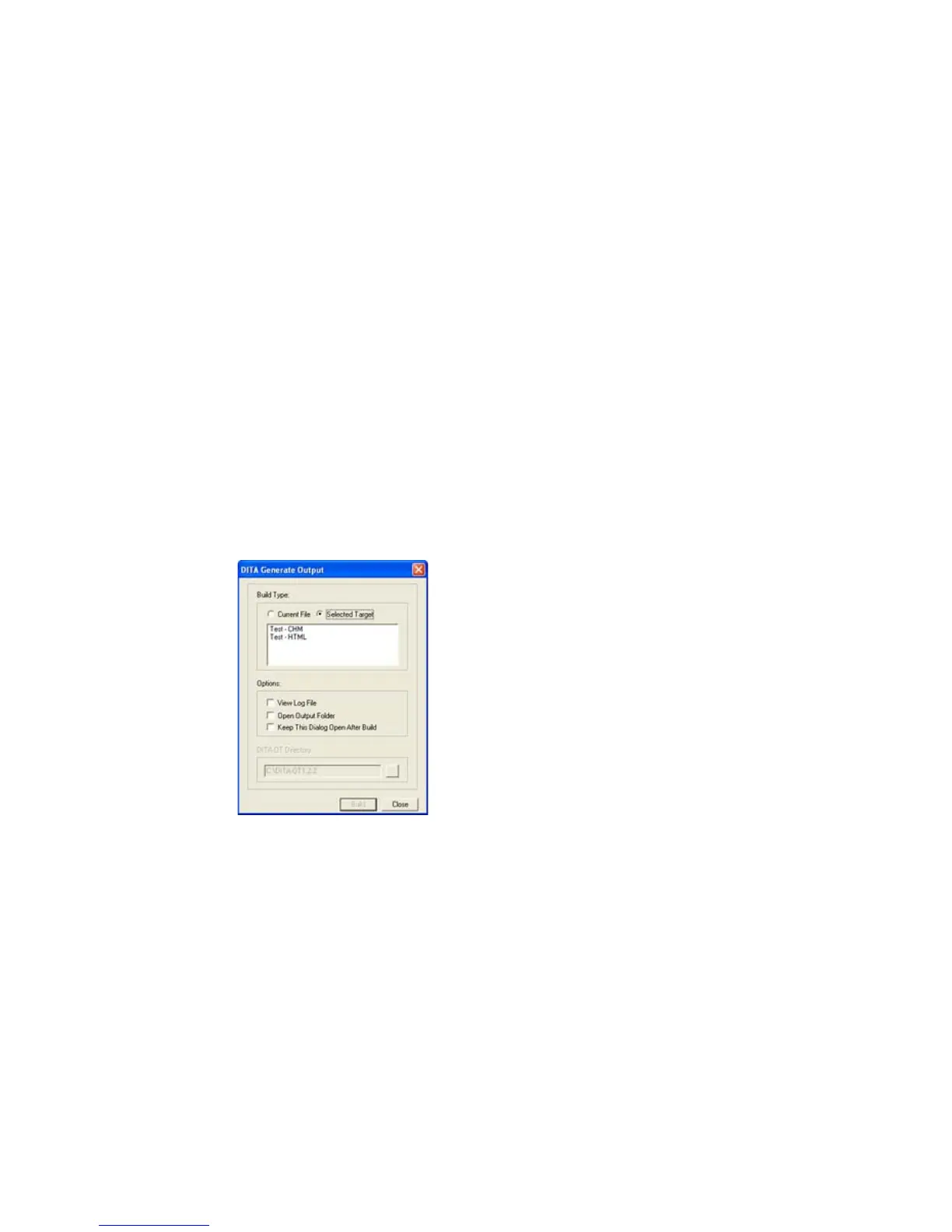
5 Click Selected Target. The list of targets specified in the .ini file appears.
DITA Generate Output dialog box with Selected Target option selected
6 Select one of the targets and click Build.
You can review the output, which is similar to the output generated using the Current File option.



 To Next Page