Using the Open Toolkit plug-in for FrameMaker 7
Customizing Ant
You can customize Ant scripts to automate a wide range of publishing processes.
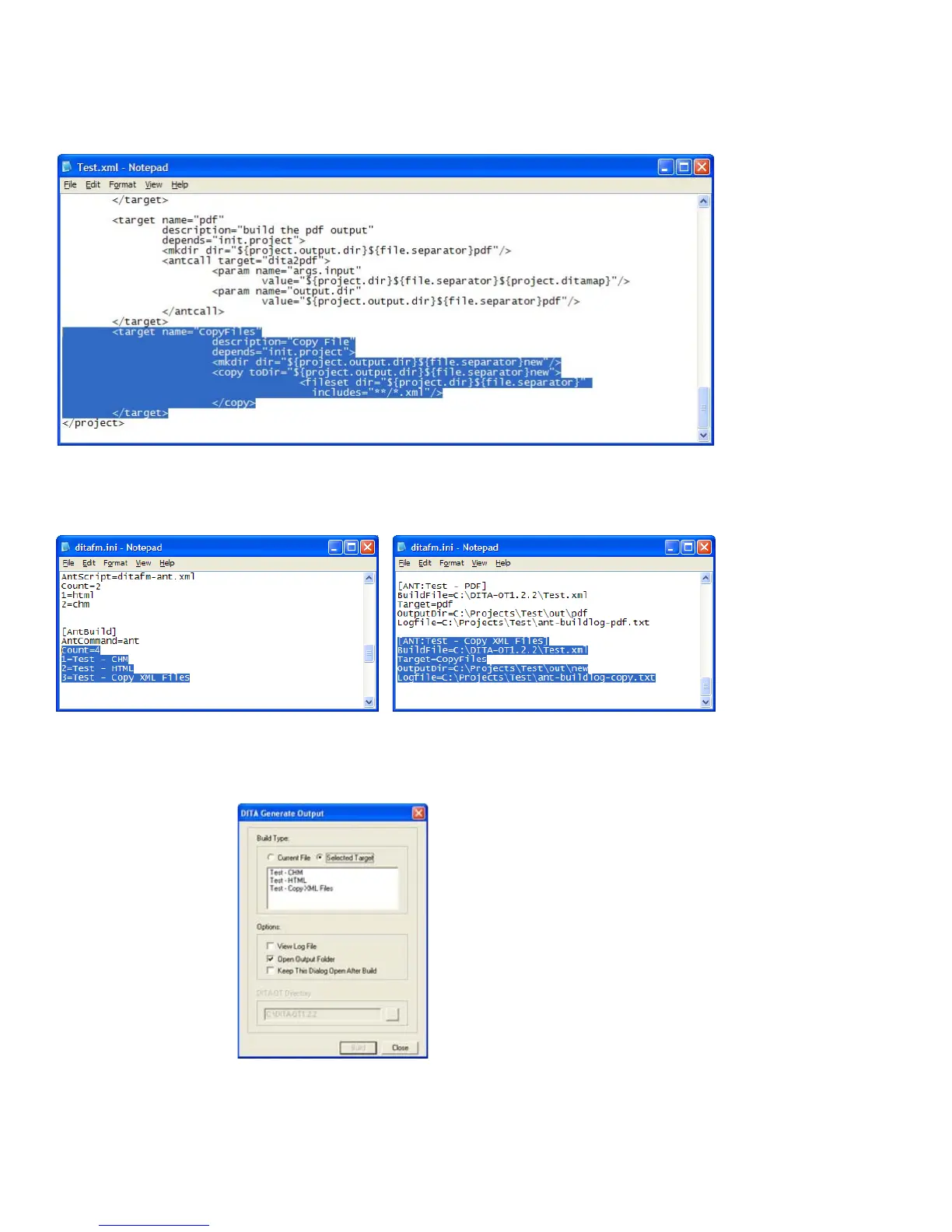
For example, you might use an Ant script to copy files from one location to another. You can either
create a script or add a target to an existing script, as shown in the following figure:
Customizing the Text.xml Ant script
To add this target as an option in FrameMaker, you can modify the DITA initialization file to refer-
ence and define the new target, as shown in the following examples:
Modifying the ditafm.ini file
When the ditafm.ini file is updated, the new form of output is listed as a target in the DITA Gener-
ate Output dialog box.
New target available in DITA Generate Output dialog box



 To Next Page