7
Overview
his overview of Adobe Photoshop Elements introduces you to the key features of the program.
You’ll learn how easy access to state-of-the-art tools lets you transform photos captured with
digital cameras and scanners into high-impact images. Photoshop Elements provides flexible
tools that allow you to freely experiment and get creative with your images. And the versatile output
options let you quickly prepare images for print, email, or posting on the Web. Also, be sure to explore
Recipes to learn additional digital imaging tools and techniques for perfecting your artwork.
Digital Photography: Capture and Correct
With Photoshop Elements, you can capture photos from digital or traditional cameras and start working
with your images immediately. When Photoshop Elements is launched, the Quick Start screen lets you
quickly open or create a file, acquire an image from a scanner or digital camera, and more.
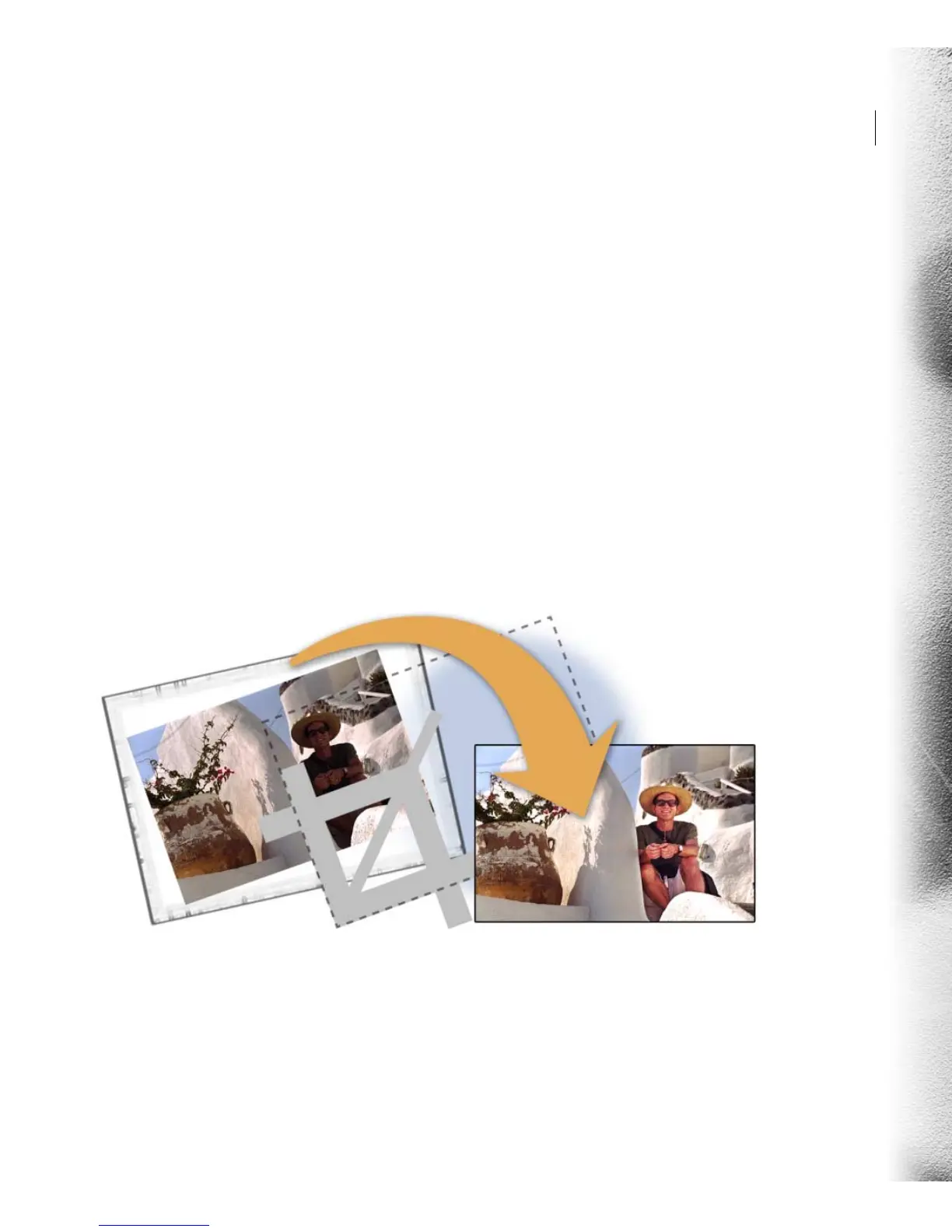
Once you have the image in Photoshop Elements, the software offers features designed to help you begin
retouching images with ease.
T



 To Next Page