CHAPTER 10
222
Using Type
Using mojikumi
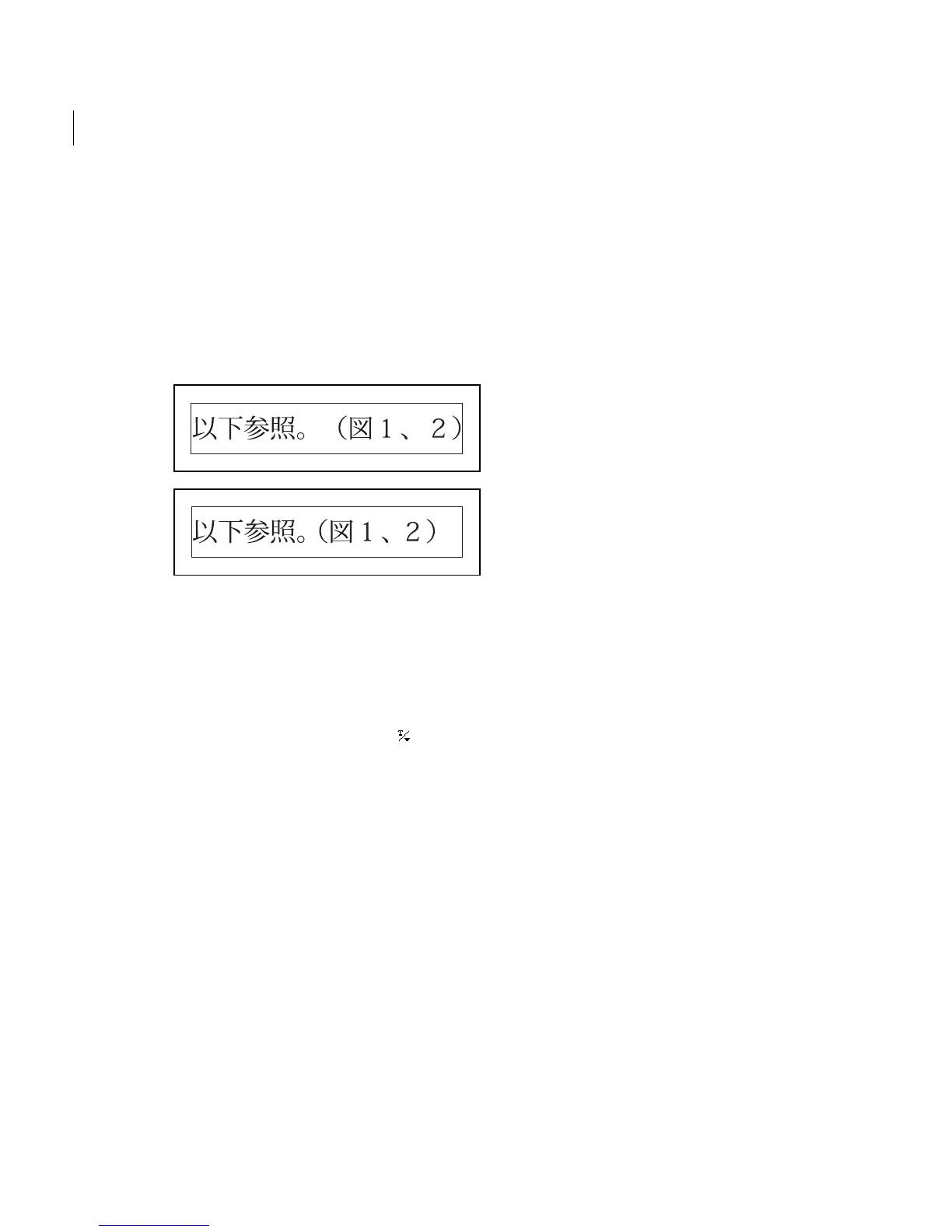
Mojikumi determines spacing between punctu-
ation, symbols, numbers, and other character
classes in Japanese type. When mojikumi is off,
full-width spacing is applied to these characters.
When mojikumi is on, half-width spacing is
applied to these characters.
Mojikumi on, and Mojikumi off
To turn on or turn off mojikumi:
1 If you’re working with an existing layer, select
the type layer in the Layers palette and then select
a type tool.
2 Click the Text Options button ( ) in the
options bar.
3 Select Mojikumi, and click OK.



 To Next Page