34 Creating a Flash Lite Application
To add navigation to the specials screen:
1. Open the file you completed in the previous section.
2. In the Library panel (Window > Library), locate the symbol named
Home and drag it to the lower-left corner of the Stage.
3. In the Property inspector, set the Home graphic’s x coordinate to 0 and
its y coordinate to 188.
4. Drag the symbol named Next from the Library to the lower-right corner
of the Stage.
5. In the Property inspector, set the graphic’s x coordinate to 120 and its y
coordinate to 188.
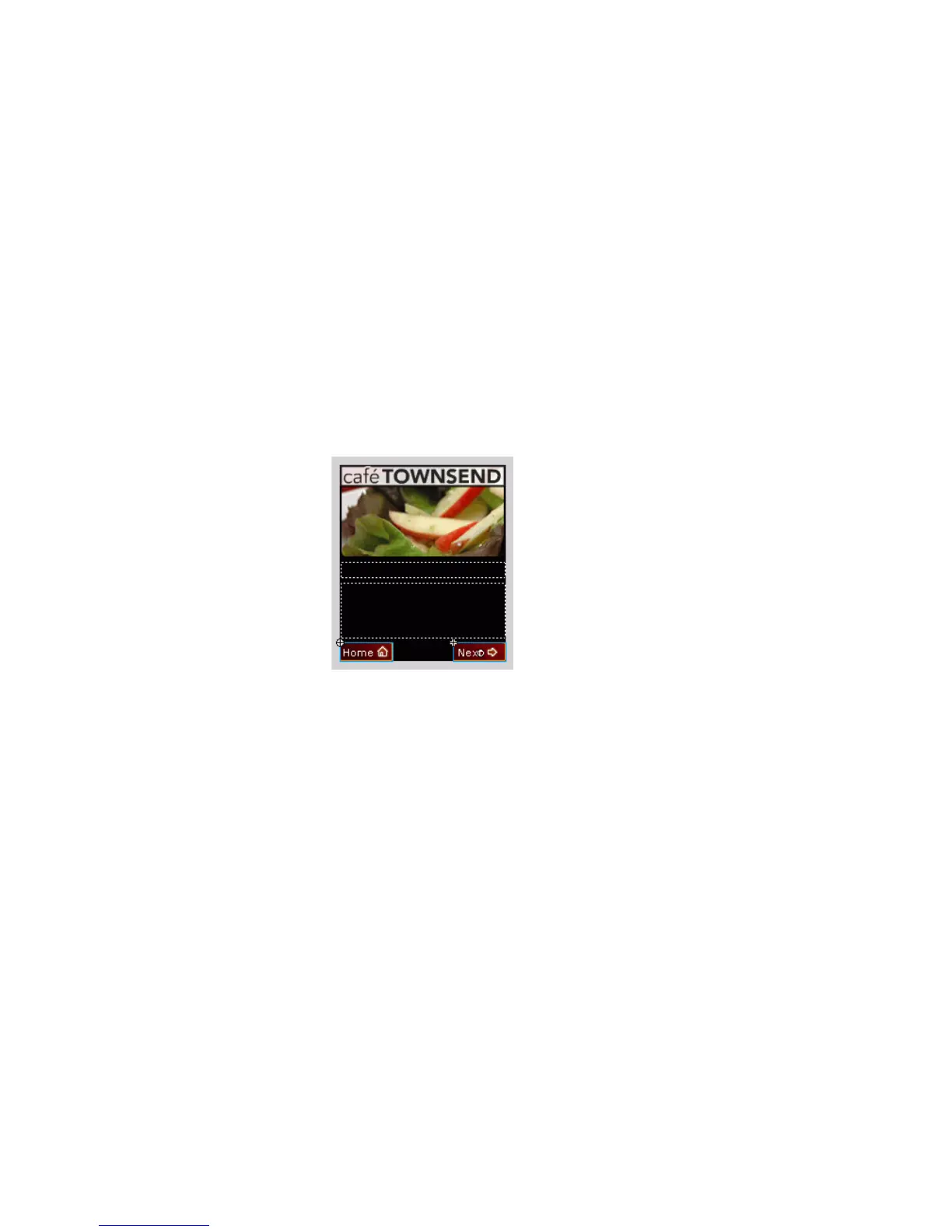
The Stage in your application should look something like the following
screen shot:
6. In the Timeline, select the keyframe on Frame 10 on the layer named
Key Catcher.



 To Next Page