Creating the application 35
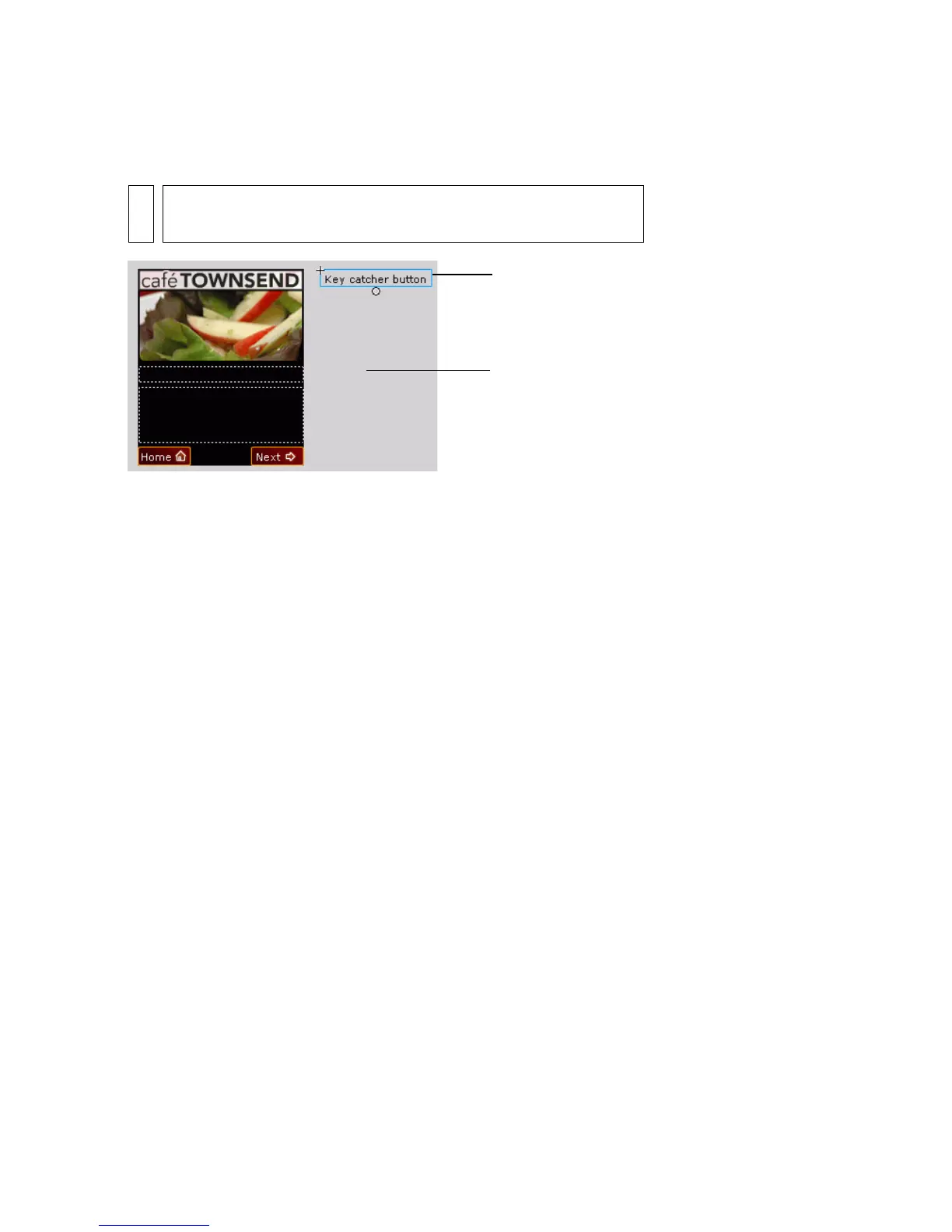
7. From the Library, drag the Key Catcher button symbol and place it in
the work area off the Stage.
The purpose of this button is to “catch” ActionScript keypress events
initiated by the user, and then take the appropriate action. For more
information about using key catcher buttons, see “Creating a key
catcher button” in Developing Flash Lite 1.x Applications.
8. Select the key catcher button, and in the Actions panel, enter the
following code:
// Handle right soft key event ("Next" button):
on(keyPress "<PageDown>") {
play();
}
// Handle left soft key event ("Home" button):
on(keyPress "<PageUp>") {
gotoAndStop("main");
}
The first on(keyPress) handler advances the image animation to the
next image in the sequence; the second one sends the playhead to the
main application screen.
9. Choose Control > Test Movie to test the final application in
the emulator.
NOTE
To view the work area, in Flash choose View > Work Area.
Work area
Key catcher button



 To Next Page