Advanced RF Technologies, Inc.
8.2.5 Alarms
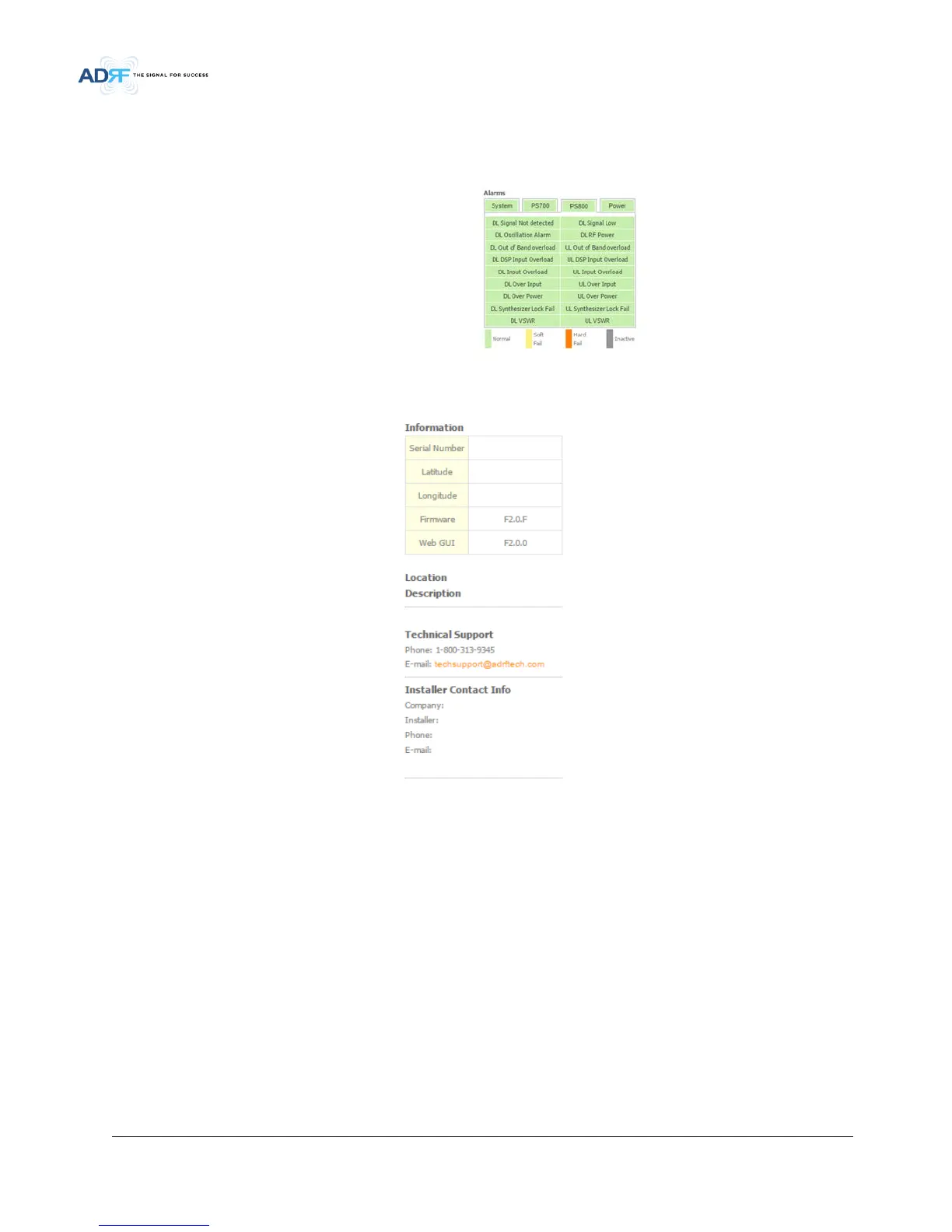
This section displays the alarm status for System alarms, RF Alarms, and Power alarms. If an alarm is present in
the system, then the color of the alarm tab will change according to the type of failure.
• Figure 5-5 Alarm Display
8.2.6 Repeater Info / Repeater Location / Technical Support / Installer Contact Info
• Figure 5-6 Repeater Info / Repeater Location / Technical Support / Installer Contact Info
Repeater Info: Displays the serial number, latitude, longitude, firmware version, and Web-GUI version
Repeater Location: Displays the address where the repeater is installed
Technical Support: Displays ADRF’s Technical Support contact information
Installer Contact Info: Displays the installer’s name, phone, and e-mail address
Note: Once successfully logged in, the repeater model name and the site/cascade ID will be displayed on the
top of all the windows (except for the Main Window).
8.3 Control Tab



 To Next Page