Fiber Internet - Router Information Sheet
Description:
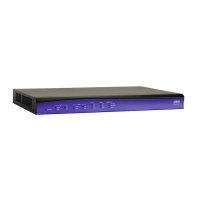
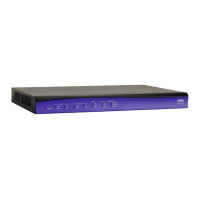
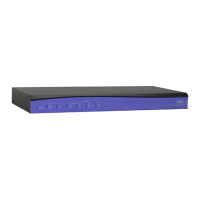
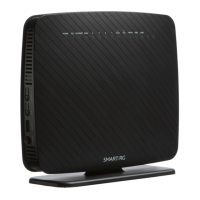
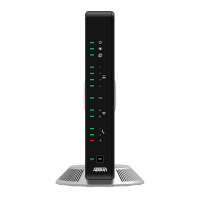
Your new router is the ADTRAN 424RG model. It features four Ethernet ports, both
2.4GHz and 5GHz Wi-Fi, and two POTS/Phone ports.
• 2.4GHz Wi-Fi has a greater range but lower speed.
• 5GHz Wi-Fi has a lower range but greater speed.
• For the highest speeds, plug devices into the router via an ethernet cable.
Connecting to the Internet:
You are able to connect to your router either through an ethernet cord that plugs
from the router directly into your devices, or through one of two Wi-Fi channels.
- To connect through Wi-Fi, select the ADTRAN wireless network through your
device and enter the password listed on the sticker on the router.
- If you are plugging directly into the router, there is no password and most modern
devices connect automatically. However, if you need to access your network
settings:
• On PC - Open Control Panel, select Network and Internet, then Network
and Sharing Center.
• On Mac – Click the System Preferences icon in the Dock and choose
Network. Select Ethernet from the list on the left of the pane to display the
settings.
Warnings:
• Do not disconnect or bend the fiber cable from the wall outlet or router.
Doing so may cause the cable to become dirty or break.
• Do not use the reset button on the back of the router, this will make you lose
the router’s configuration and Internet service.
• If the fiber cable becomes disconnected, do not look into the end of the
cable as this could cause eye damage.
• Always use the provided stand and keep the router upright. Laying the
router flat will cause it to overheat.
Resetting the Router:
• To reset the router, simply unplug the 12V power adapter, leave unplugged
for 5 minutes, then plug it back in. Do not unplug the fiber cord.

 Need help?
 General






 To Next Page

