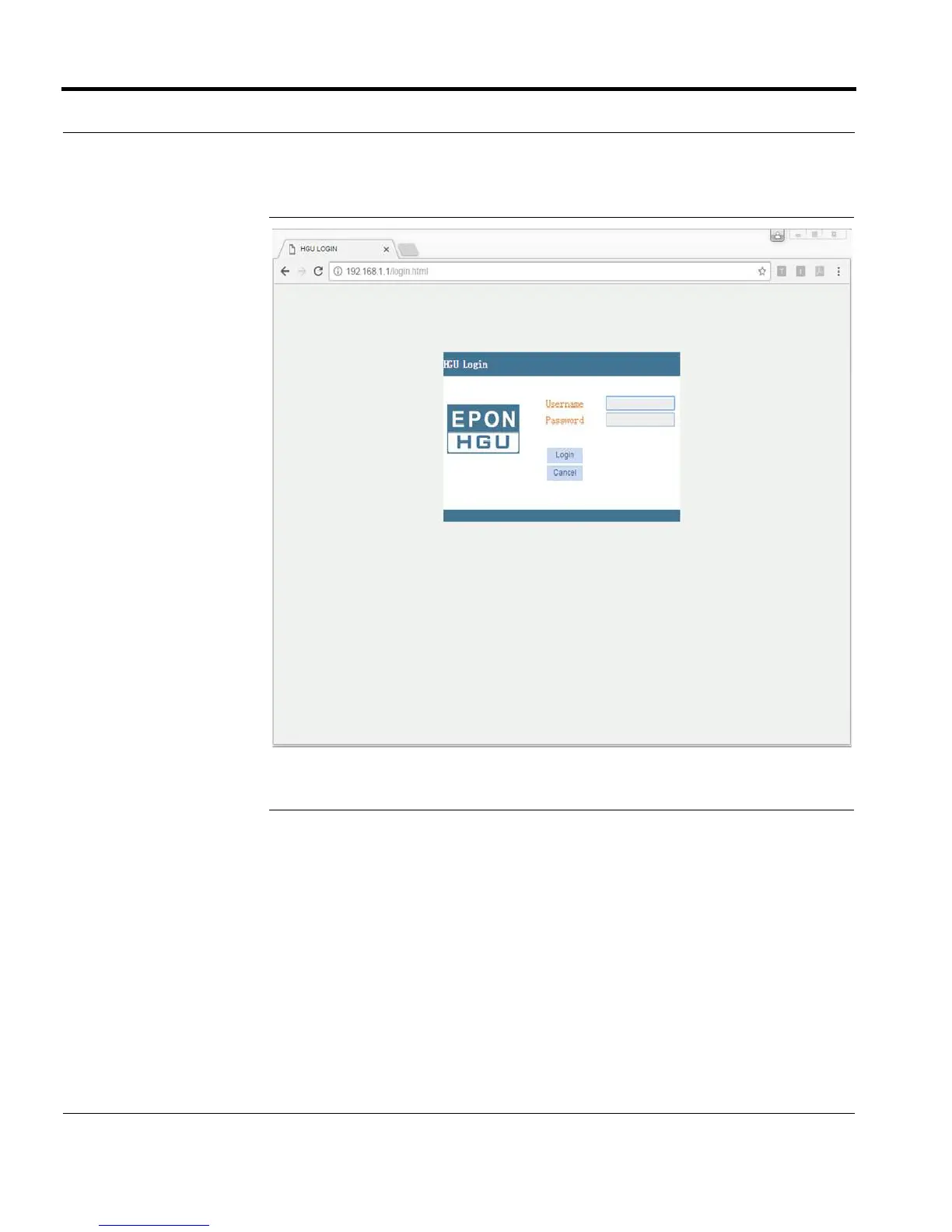
Logging into the Web GUI
4 6304W Configuration Guide
FIGURE 2-1. Login Screen
Changing Passwords
Follow these steps to change a password.
1 Connect your device to LAN 1 or Wireless.
2 Launch a web browser.
3 Connect to 192.168.1.1. A login screen displays.
4 Enter the user name and password. The home screen displays.
5 Select Management > User Info > User Info.





 To Next Page