EasyManua.ls Logo

Advan AMM213TD - User Manual

Advan AMM213TD
39 pages
Print Icon
To Next Page IconTo Next Page
Loading...
AUTO - SCANNING WITH DIGITAL CONTROL
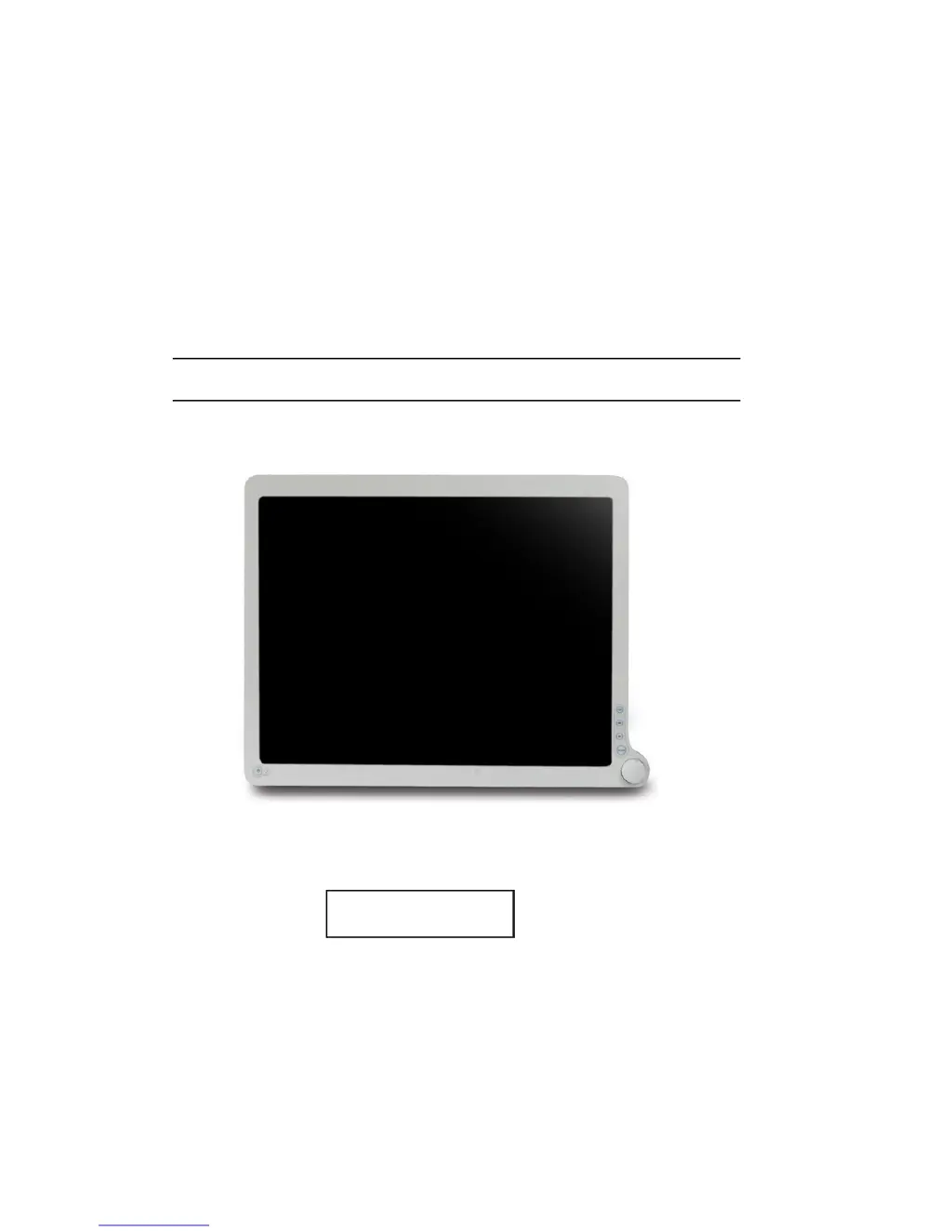
LCD COLOR MEDICAL MONITOR
AMM213TD / AMM240WTD
Operation Manual
For future reference, record the serial number of your display
monitor in the space below :
Serial Number
The serial number is located on the back of the monitor

Questions and Answers

  • S
    Steven DiazAug 3, 2025
    What to do if my Advan AMM213TD has no picture?
    • K
      Kristen WilliamsAug 3, 2025
      If your Advan Monitor displays no picture, there are several potential causes and solutions: * If the LED is ON, use the OSD to adjust the brightness and contrast to the maximum settings, or reset them to their default values. * If the LED is OFF, check the Locker switch and the Power switch. * If the LED is OFF, ensure the AC power cord is properly connected to the AC adapter. * If the LED is blinking, verify that the video signal cable is securely connected to the back of the monitor. * If the LED is blinking, confirm that the computer system is powered ON.
  • T
    Tonya MorganAug 11, 2025
    Why is my Advan Monitor displaying an unstable picture?
    • A
      Antonio ClarkAug 11, 2025
      An unstable picture on your Advan Monitor could be due to a mismatch between the graphics adapter and monitor specifications, causing an input signal frequency issue. Check if their specifications are in compliance.
  • P
    Paul RichardsAug 23, 2025
    How to fix a missing or shifted display on my Advan AMM213TD Monitor?
    • M
      Michael ReynoldsAug 23, 2025
      If the display on your Advan Monitor is missing, shifted, or the display size is incorrect, try the following: 1. Use the Auto Setup button. 2. If the picture is still abnormal, manually adjust the CLOCK, CLOCK-PHASE, H-POSITION, and V-POSITION settings, especially when using non-standard signals. 3. If the full-screen image is missing, use the OSD to select a different resolution in your operating system (Windows 95/98, NT) or try a different vertical refresh timing. Also, after adjusting the image size, wait a few seconds before changing, disconnecting the signal, or powering off the monitor.

Summary

Product Description and Intended Use

Safety Term Definitions

Operational Warnings

Operational Cautions

Symbol Definitions

EU Declaration of Conformity and Unpacking

EU Declaration of Conformity

States the product's compliance with European Community directives.

Prepare for Unpack

Provides instructions and recommendations for unpacking the monitor safely.

Safety Precautions and Cleaning

Safety Precautions

Outlines essential safety measures to prevent damage or hazards.

Cleaning Your Monitor

Provides guidelines and recommended solutions for cleaning the monitor.

Power Management Function

Power Management Modes

Explains the monitor's power saving modes: Stand-by, Suspend, and Off.

Power Management System Overview

Details the power management system proposal with a table of states and sync signals.

Preset Modes

Video Signals

PIP, POP, PBP Functions

DDC and Installation

DDC Protocol

Explains the Plug and Play capabilities using the DDC protocol.

Installation Steps

Provides step-by-step instructions for connecting and installing the monitor.

Connecting the Power Cord

User Functions and Menu Navigation

Key Name and Function

Explains the purpose of each button and switch on the monitor.

OSD Menu Access

Provides step-by-step instructions on how to navigate and use the On-Screen Display (OSD) menu.

OSD Section

Chromatic Settings

Adjusts color temperature and gamma settings.

Visual Settings

Adjusts brightness, contrast, phase, chroma, and sharpness.

Setting Options

Adjusts scale mode, color space, mirror, freeze frame, zoom/pan, PIP, POP, PBP.

Advanced Settings

Adjusts OSD position, screen control, DPMS, auto source, smart select, factory reset, key lock.

Information Display

Displays custom entry, serial number, run time, and input format.

Exit Menu

Exits the OSD menu.

Troubleshooting Guide

Specifications

Classification and Compliance

Electromagnetic Compatibility (EMC)

EMC Emission Declarations

Manufacturer's declarations regarding RF emissions and compliance.

EMC Immunity Declarations

Manufacturer's declarations regarding electromagnetic immunity.

Recommended Separation Distances for RF Equipment

AMM213 TD Dimension Drawing

AMM240 WTD Dimension Drawing

Connectors Overview

Warranty Information

Warranty Commencement and Duration

Details the warranty period for different parts of the product.

Warranty Limitations

Lists damages and conditions not covered by the warranty.

Return Material Authorization (RMA) Procedure

Out-of-Warranty Service and Product End of Life

Out-of-Warranty Service

Outlines the process and fees for repairing products outside their warranty period.

Product End of Life (EOL) Policy

States ADVAN's policy on holding components for products after their end-of-life.

Disclaimer

Advan AMM213TD Specifications

General IconGeneral
BrandAdvan
ModelAMM213TD
CategoryMonitor
LanguageEnglish