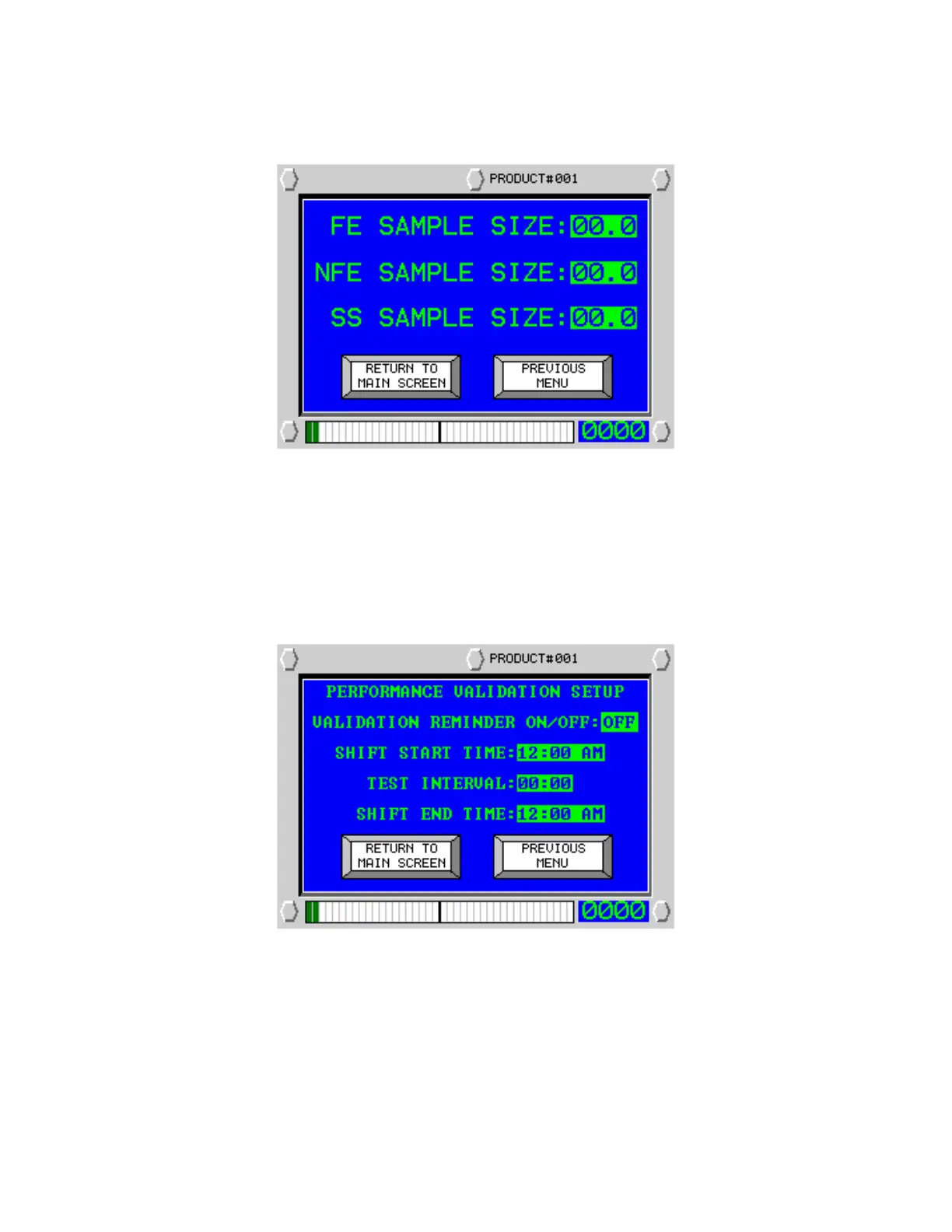
Select ‘Validation Sample Size’ and the following screen will appear:
Enter the size of the test wand you will be using during the test. This value will be saved in memory and listed
on the data logger along with a time and date stamp upon successful completion of the ferrous test. Enter the
desired values for each metal type.
Enter ‘Validation Set-Up’ and the following screen will appear:
Please note: the correct date and time must be entered before attempting to set the shift times and
interval. Please refer to the maintenance section of this manual.


 To Next Page