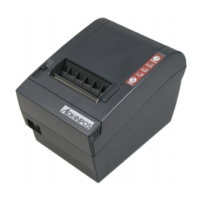
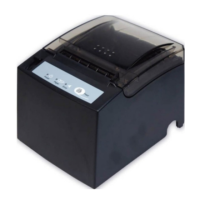
WP-T810 Thermal Printer
20
2 Hexadecimal dump mode
Open printer cover. Turn on power while
holding the feed button depressed. Then
close printer cover. The printer will be set
to hexadecimal mode.
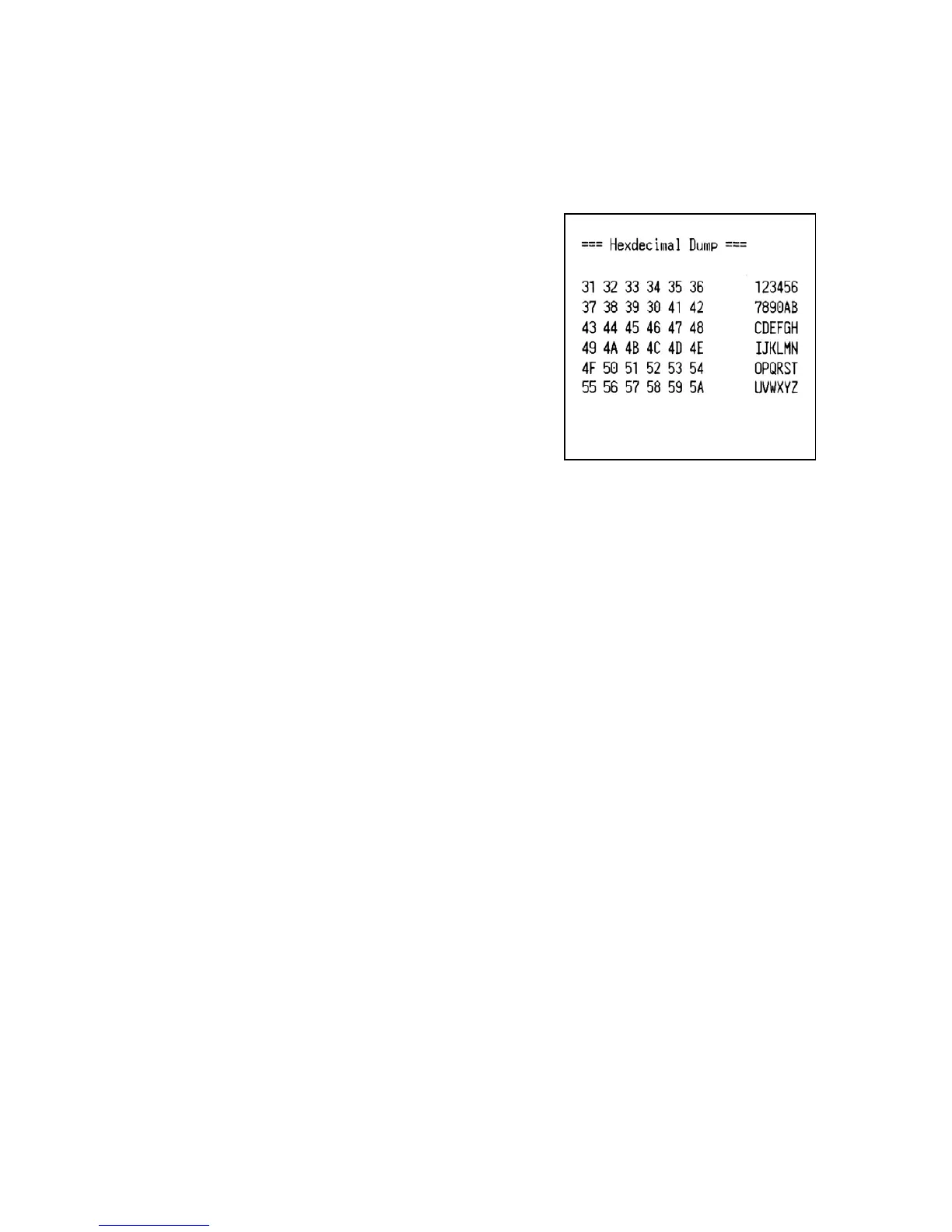
Each of the signals sent from the computer
to the printer will be printed out in
hexadecimal code. This function allows user to check control code.
To turn off the mode, it is necessary to turn off the printer completely.


 To Next Page