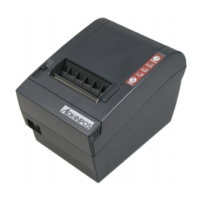
WP-T810 Thermal Printer
19
5.2 Switch Operation (Combined Switch Operation)
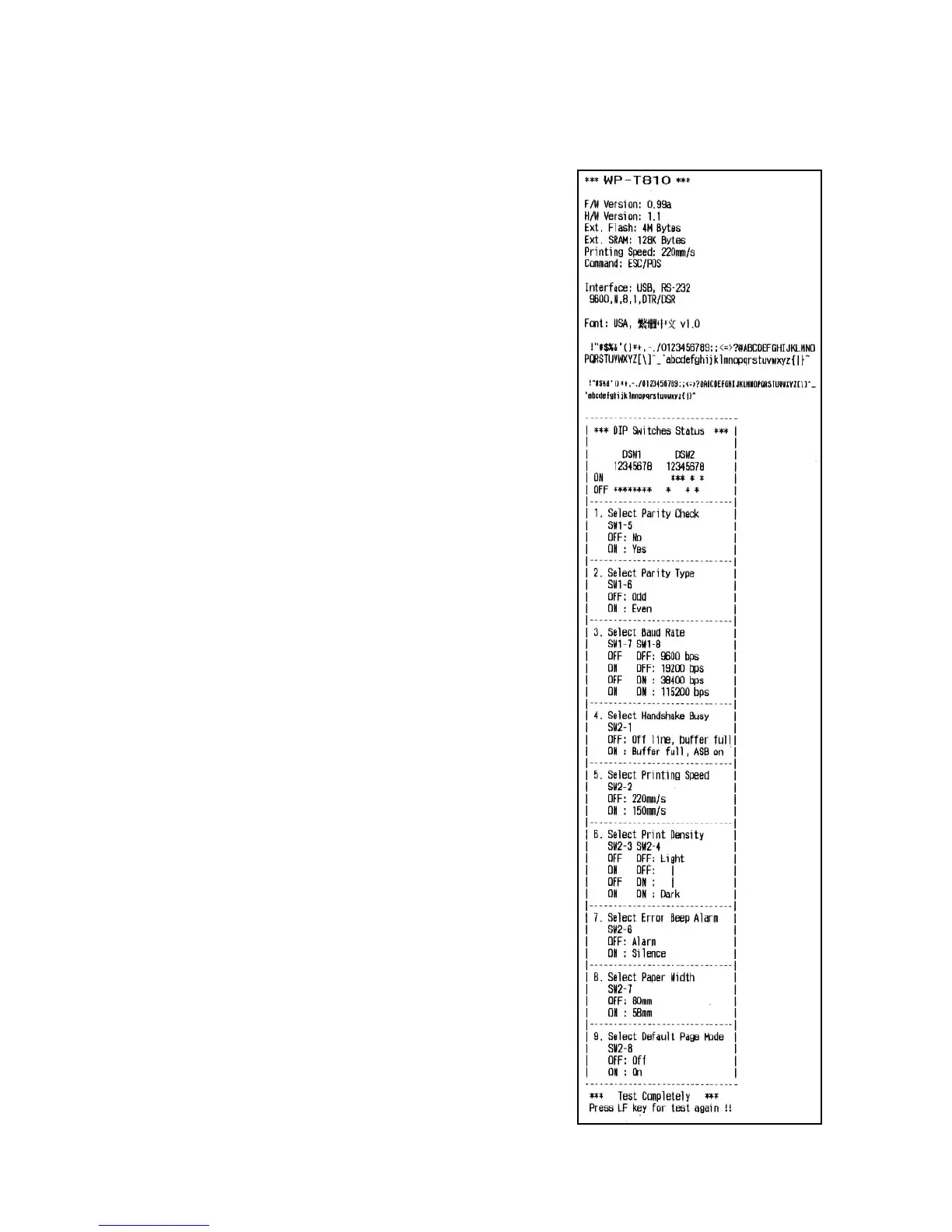
1 Self-printing mode
Turn the power on while holding the feed
button depressed. Self-printing receipt will
be printed out (Ref. the right receipt).
Self-printing will be performed according to
the VER. NO., printer settings and
characters etc (Ref. the right receipt). When
the feed button is pressed again after
self-printing stopped, the printer will print
self-printing receipt again.
To turn off this mode, it is necessary to turn
off the printer power completely.


 To Next Page