Installation and Operation Manual S400 series 6
2.1. Powering on
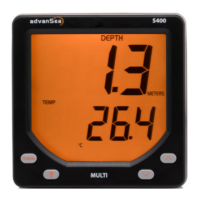
The Depth S400 display does not include an integrated switch. The unit is powered by
a 12 V DC supply on the red (+) and black (-) wires. When stopped, all settings are
memorized.
2.2. Operation in normal mode
2.2.1. Selecting information on the display
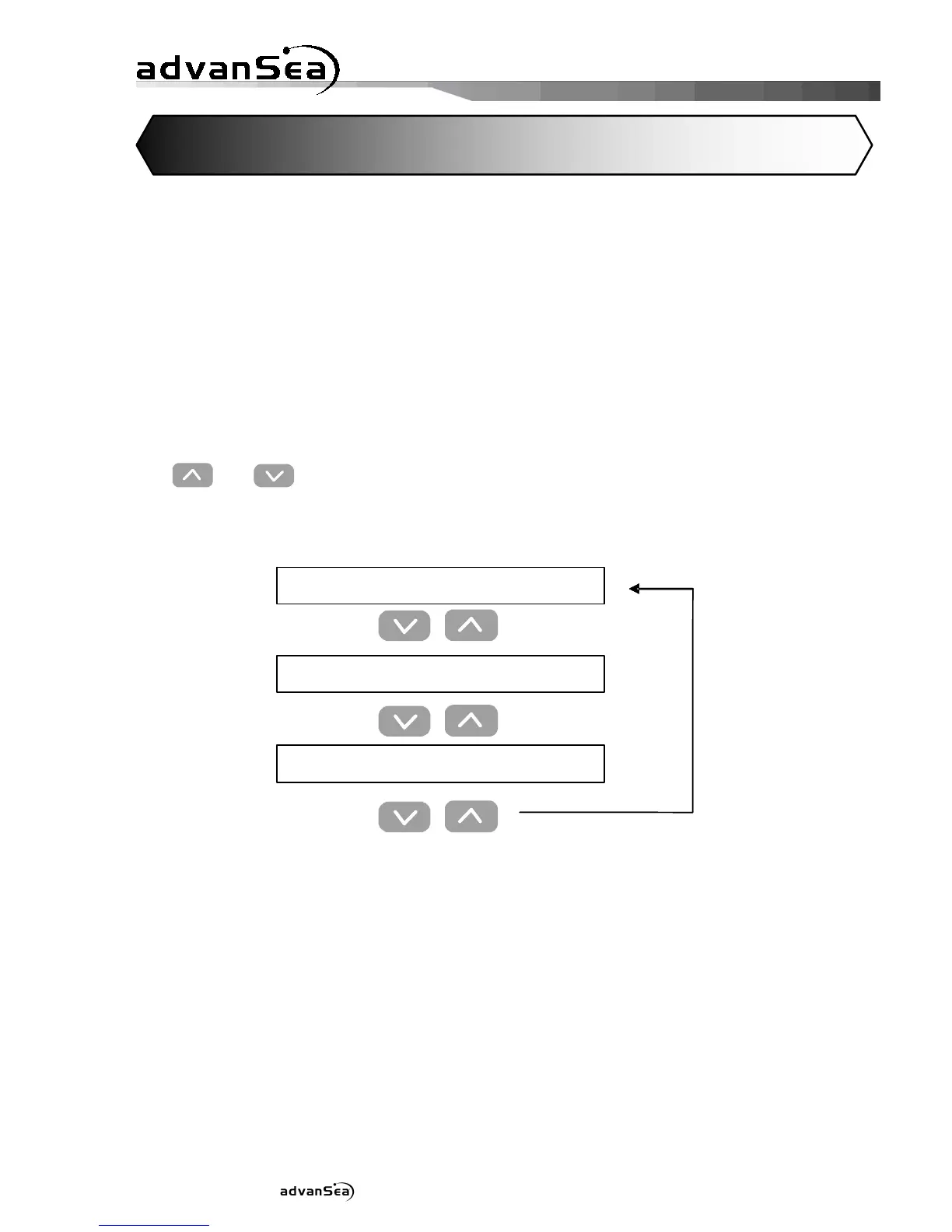
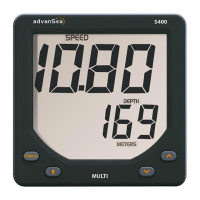
The and keys are used to select various data in the main display.
Key operation:
2 General operation
CHRONO*
Race timer
BAT*
Battery voltage
DEPTH*
depth
’
* Label displayed on LCD


 To Next Page