24
4. Customize
RUN SCREEN - Allows the user to select what will be
shown on the screen while the controller is in the RUN
mode, such as displaying temperature readings, water
meter totals for a particular system, or the conductivity
units of measure.
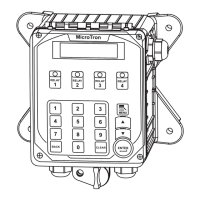
NOTE: When entering values for custom names use
the numerical keys for numbers and the up / down
arrows to scroll through all the characters of a keyboard.
Press the right arrow to advance the curser after setting
a desired value. Press the Help button to place the last
entered character into the new cursor space to speed
up the process. The Help button will also jump advance
through the characters.
4.1 Notepad
The Notepad function allows the user to set up and store manually entered data or perform simple calculations
be given a custom name, UOM and number range.
NAME -
your own or if you want the Notepad to be a Calculation.
NUMBER - Set the number range.
UNITS - Set the units of measurement.
ALARMS - Set Hi/Low alarm points and how frequently
a new value is expected to be manually entered via the
History menu.
and the calculation results are stored in history at the
time stamp interval.
CALCULATION - If a Notepad is to be a calculation select the type of calcualation desired.
Calculation Types:
• None
• % Increase
• Product
• Total
• Ratio
•
•



 To Next Page
 Loading...