Installation
10 True Online 1-3k UPS User Manual
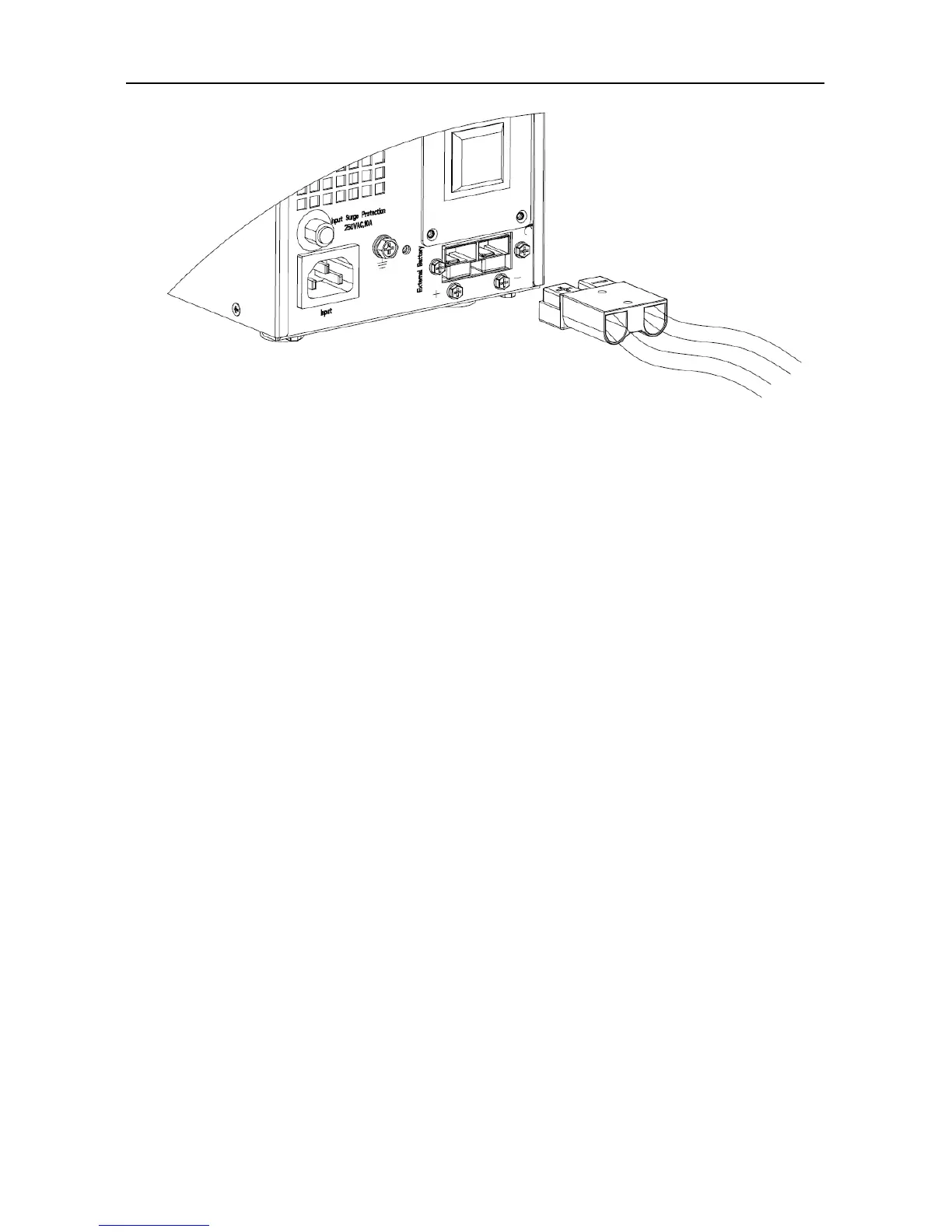
Fig.4 Battery terminal connection
2. Take out battery cable delivered with the UPS. One end of battery cable is a plug and
the other end has 2 open wires.
3. Connect the RED wire to the “+” terminal of the battery. Connect the BLACK wire to
the “-“ terminal of the battery.
Notice: DO NOT connect the battery plug to the battery socket of UPS first, otherwise, it
may cause electric shock.
4. Connect the external battery plug to the battery socket on the rear panel.



 To Next Page