10
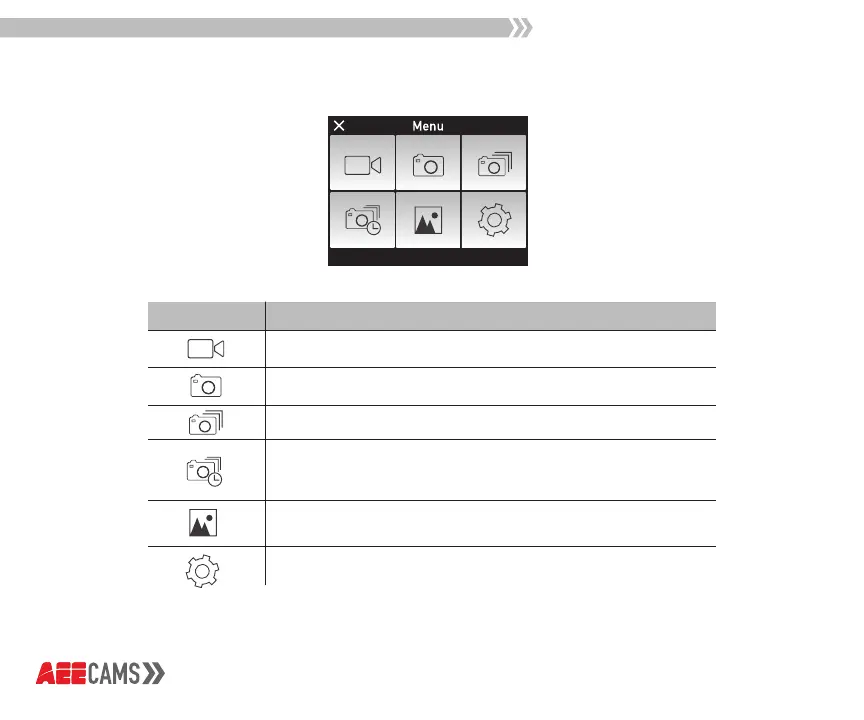
Main Menu
icon
Tap the Video Icon to enter Video Mode
Tap the Camera Icon to enter Photo Mode
Tap the Burst Icon to enter Burst Photo Mode
Tap the Interval Shooting Icon to enter Interval
Shooting Mode
Tap the Library Icon to view photos and videos
Tap the Setting Icon to change settings
*Tap the “x” in the top left-hand corner to exit.
Description



 To Next Page