11
Function
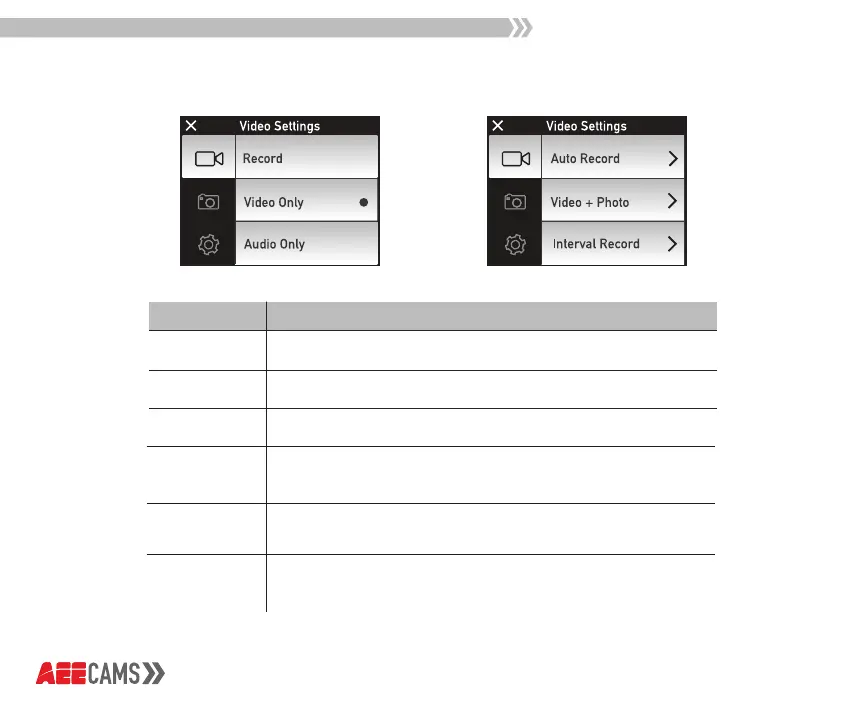
Record
Select to record video with audio
Select to record video only
Select to record audio only
Video Only
Audio Only
Interval
Record
Set time for Interval Record: 1s/2s/5s/10s/30s
To take a sequence of frames at set intervals to record
changes that take place slowly over time. (Time-Lapse)
Set time for Auto Record: 5s/10s/20s
Set time to take photo(s) during video recording:
Manual/5s/10s/30s/60s
Auto
Record
Video + Photo
Description
Video Mode



 To Next Page