5
Getting Started
Battery Installation
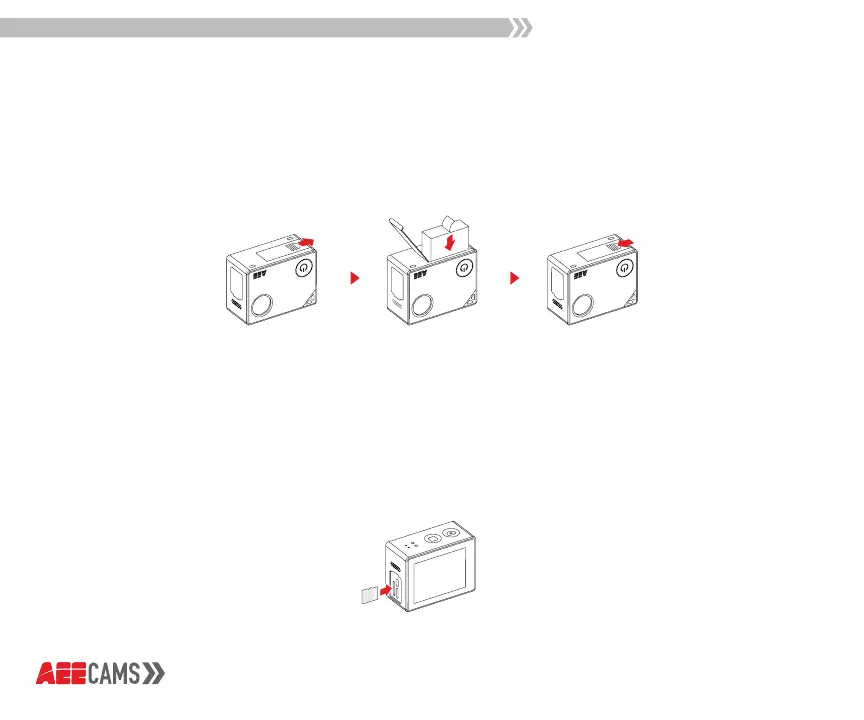
Slide the battery cover in the direction of the arrow, then place the battery into the
battery compartment and close the cover.
microSD Card Insertion
When powered o, slide the microSD card into the microSD card slot with the label
facing the front of the camera. When the microSD card is fully inserted, it will click
into place.
*microSD card with UHS Speed Class 3 (U3) transfer rate or higher is required.



 To Next Page