Clock function Application
Reminder To set a countdown. Maximum is 23 h 59 min. This function has no ef‐
fect on the operation of the oven.
6. HOW TO USE: ACCESSORIES
6.1 Food Sensor
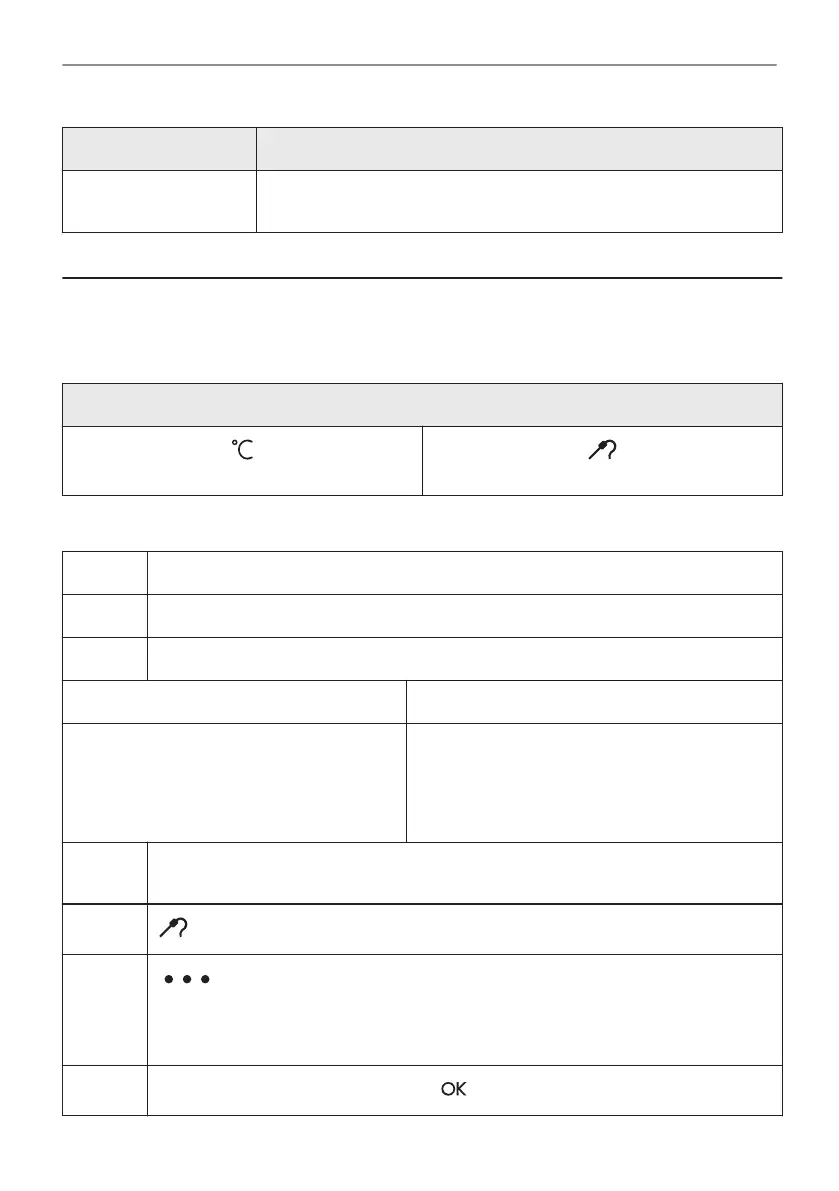
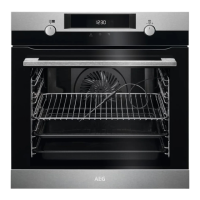
Food Sensor- measures the temperature inside the food. You can use it with every heating
function.
There are two temperatures to be set:
The oven temperature: minimum 120 °C.
The core temperature.
How to use: Food Sensor
Step 1 Turn on the oven.
Step 2 Set a heating function and, if necessary, the oven temperature.
Step 3 Insert: Food Sensor.
Meat, poultry and fish Casserole
Insert the tip of Food Sensor into the centre
of meat, fish, in the thickest part if possible.
Make sure that at least 3/4 of Food Sensor is
inside of the dish.
Insert the tip of Food Sensor exactly in the centre
of the casserole. Use the rim of the baking dish to
support the silicone handle of Food Sensor. The
tip of Food Sensor should not touch the bottom of
a baking dish.
Step 4 Plug Food Sensor into the socket at the front of the oven.
The display shows the current temperature of: Food Sensor.
Step 5
- press to set the core temperature of the sensor.
Step 6
- press to set the preferred option:
• Sound alarm - when food reaches the core temperature, the signal sounds.
• Sound alarm and stop cooking - when food reaches the core temperature, the sig‐
nal sounds and the oven stops.
Step 7
Select the option and repeatedly press: to go to main screen.
10/24
HOW TO USE: ACCESSORIES


 To Next Page