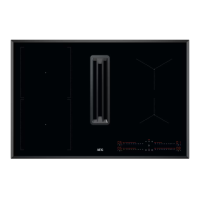
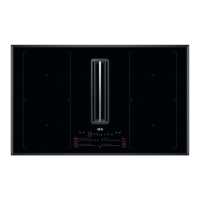
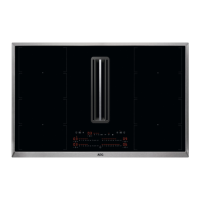
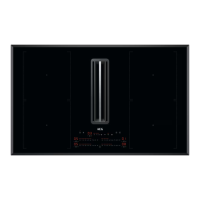
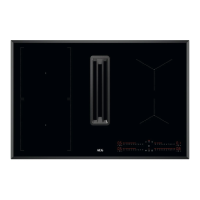
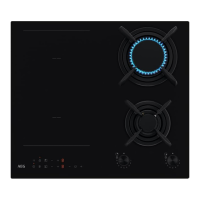
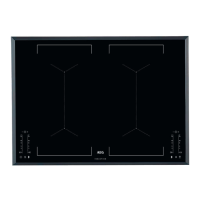
4.3 Control panel layout
Use the sensor fields to operate the appliance. The displays, indicators and sounds tell which
functions operate.
Sensor
field
Function Description
1
On / Off To activate and deactivate the appliance.
2
Pause To activate and deactivate the function.
3
Timer To set the function.
4
/
- To increase or decrease the time.
5
- Timer display To show the time in minutes.
6
Bridge To activate and deactivate the function.
7
AUTO Automatic mode of the hood To activate and deactivate the function.
8
Manual mode of the hood To activate / deactivate the function and to switch be‐
tween 3 fan speed levels.
9
Boost To activate and deactivate the function.
10
- Control bar To set a heat setting.
11
PowerBoost To activate the function.
12
Lock / Child Safety Device To lock / unlock the control panel.
4.4 Display indicators
Indicator Description
+ digit
There is a malfunction.
The hood filter needs regenerating.
/ /
OptiHeat Control (3 step Residual heat indicator): continue cooking / keep warm / resid‐
ual heat.
12 ENGLISH



 To Next Page