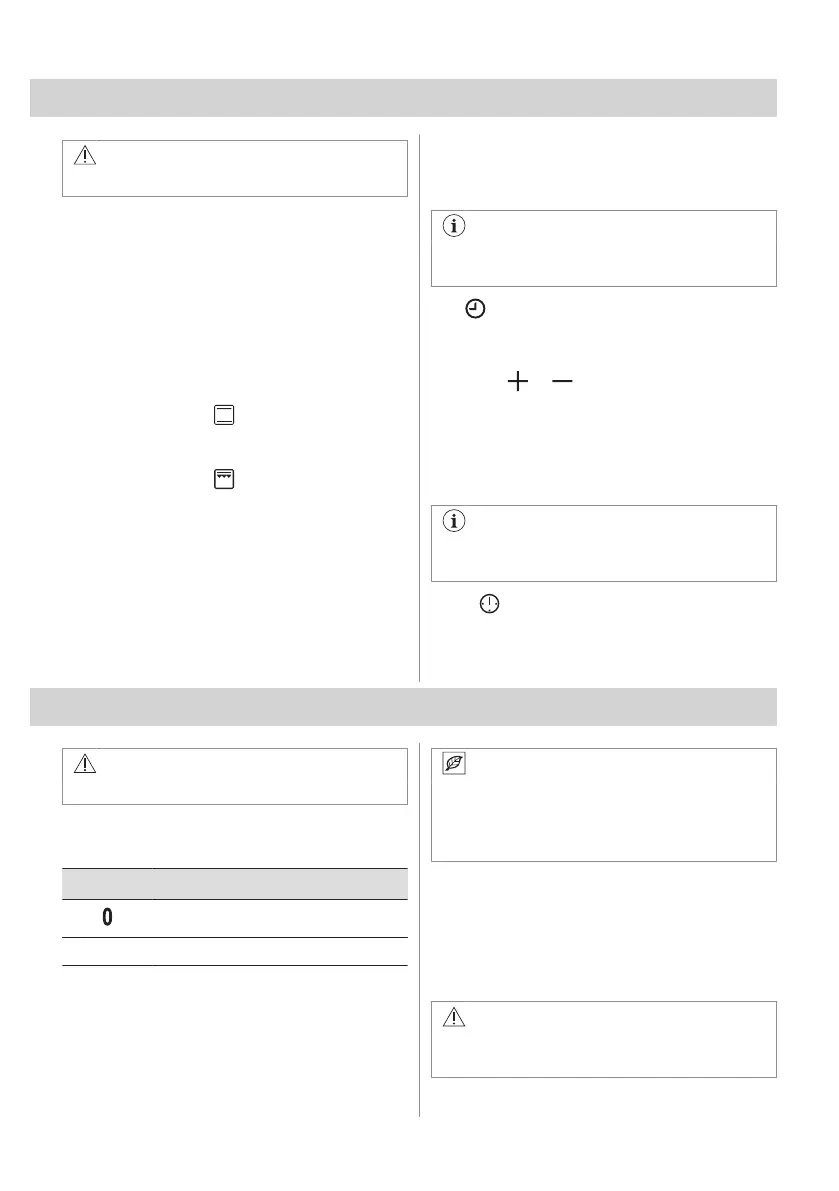
5. BEFORE FIRST USE
WARNING!
Refer to Safety chapters.
5.1 Initial preheating and cleaning
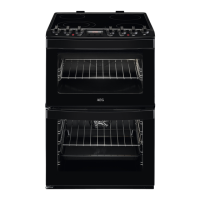
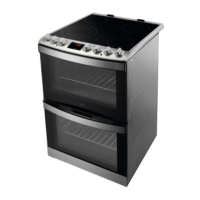
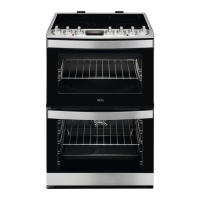
Preheat both empty appliances before the
first use and contact with food. Heat up one
appliance at a time. The appliance can emit
unpleasant smell and smoke. Ventilate the
room during preheating. Set the functions
listed below, if applicable.
1. Remove all accessories and removable
shelf supports from the appliance.
2. Set the function for main oven or 100 -
250 for top oven. Set the temperature to
250°C. Let the appliance operate for 1 h.
3. Set the function . Set the maximum
temperature. Let the appliance operate
for 15 min.
4. Turn off the appliance and wait until it is
cold.
5. Clean the appliance and the accessories
only with a microfibre cloth, warm water
and a mild detergent.
6. Put the accessories and removable shelf
supports back to their initial position.
5.2 Setting the time
You must set the time before you operate the
oven.
Only the top oven works without the set
time.
The flashes when you connect the
appliance to the electrical supply, when there
was a power cut or when the timer is not set.
Press the or to set the correct time.
After approximately five seconds, the flashing
stops and the display shows the time of day
you set.
5.3 Changing the time
You cannot change the time of day if any
of the functions operates.
Press again and again until the indicator
for the Time of Day function flashes.
To set a new time, refer to "Setting the time".
6. HOB - DAILY USE
WARNING!
Refer to Safety chapters.
6.1 Heat setting
Symbols Function
Off position
1 - 9 Heat settings
Use the residual heat to decrease energy
consumption. Deactivate the cooking
zone approximately 5 - 10 minutes before
the cooking process is completed.
Turn the knob for the selected cooking zone
to a necessary heat setting.
To complete the cooking process, turn the
knob to the off position.
6.2 Residual heat indicator
WARNING!
As long as the indicator is visible, there is
a risk of burns from residual heat.
10 ENGLISH


 To Next Page