Operating Instructions
16
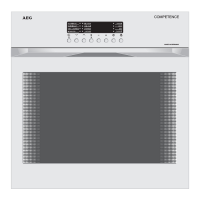
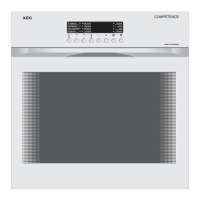
Electronic Timer
Indication on the Left: Interval timer
Core temperature
Indication on the Right: Time of day, cooking time, end of cooking
Selecting: 3 Meat thermometer
4 Interval timer
7 Cooking time
8 End of cooking time
Setting: All functions
Setting the Time
As soon as the appliance is connected to the mains, and after any inter-
ruption in the mains supply, the display on the right of the clock
flashes.
☞ 1. Press the Cooking time 7 and End of cooking time 8 buttons simulta-
neously.
2. Set the time using the rotary knob .
The time of day appears in the right of the display.
i



 To Next Page
 Loading...