Name Description
E
Temperature / Clock in-
dicator
Shows the temperature and the time in minutes.
F Keep warm indicator Shows that keep warm function is active.
G
Cooking time / End
time / Period of opera-
tion
Shows the time setting for clock functions.
H
Clock function indica-
tors
Shows the clock function which is active.
4.3 Heat-up indicator
When you activate an oven function, the
bars on the display come on one by one.
The bars show that the oven temperature
increases.
5. BEFORE FIRST USE
WARNING!
Refer to Safety chapters.
5.1 Initial Cleaning
Remove all accessories and removable
shelf supports from the appliance.
Refer to "Care and
cleaning" chapter.
Clean the appliance before first use.
Put the accessories and the removable
shelf supports back to their initial
position.
5.2 Setting the time
You must set the time before you
operate the oven.
When you connect the appliance to the
electrical supply or after a power cut, the
indicator for the Time function flashes.
Press the
or to set the correct
time.
After approximately five seconds, the
flashing stops and the display shows the
time of day you set.
You can only change the time if:
• The child safety device is not on.
• None of the clock functions Duration
or End is set.
• No oven function is set.
5.3 Preheating
Preheat the empty appliance to burn off
the remaining grease.
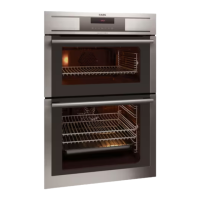
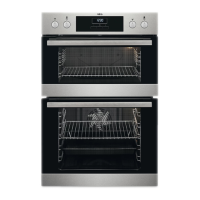
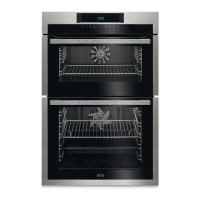
Preheat the two ovens. Heat
up one oven at a time.
Set the functions listed
below, if applicable.
1. Set the function and the
temperature to 250ºC.
Let the appliance operate for 1 hour.
2.
Set the function and the
temperature to 250ºC.
Let the appliance operate for 15
minutes.
3. Set the function and the
temperature to 250ºC.
Let the appliance operate for 15
minutes.
Accessories can become hotter than
usual. The appliance can emit an odour
and smoke. This is normal. Make sure
that the airflow is sufficient.
ENGLISH
9


 To Next Page