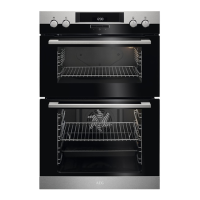
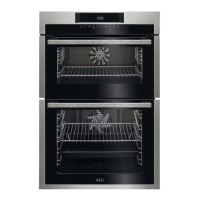
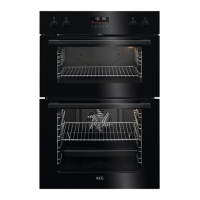
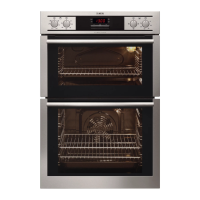
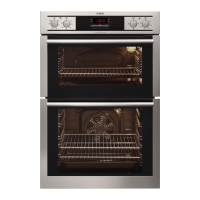
3. PRODUCT DESCRIPTION
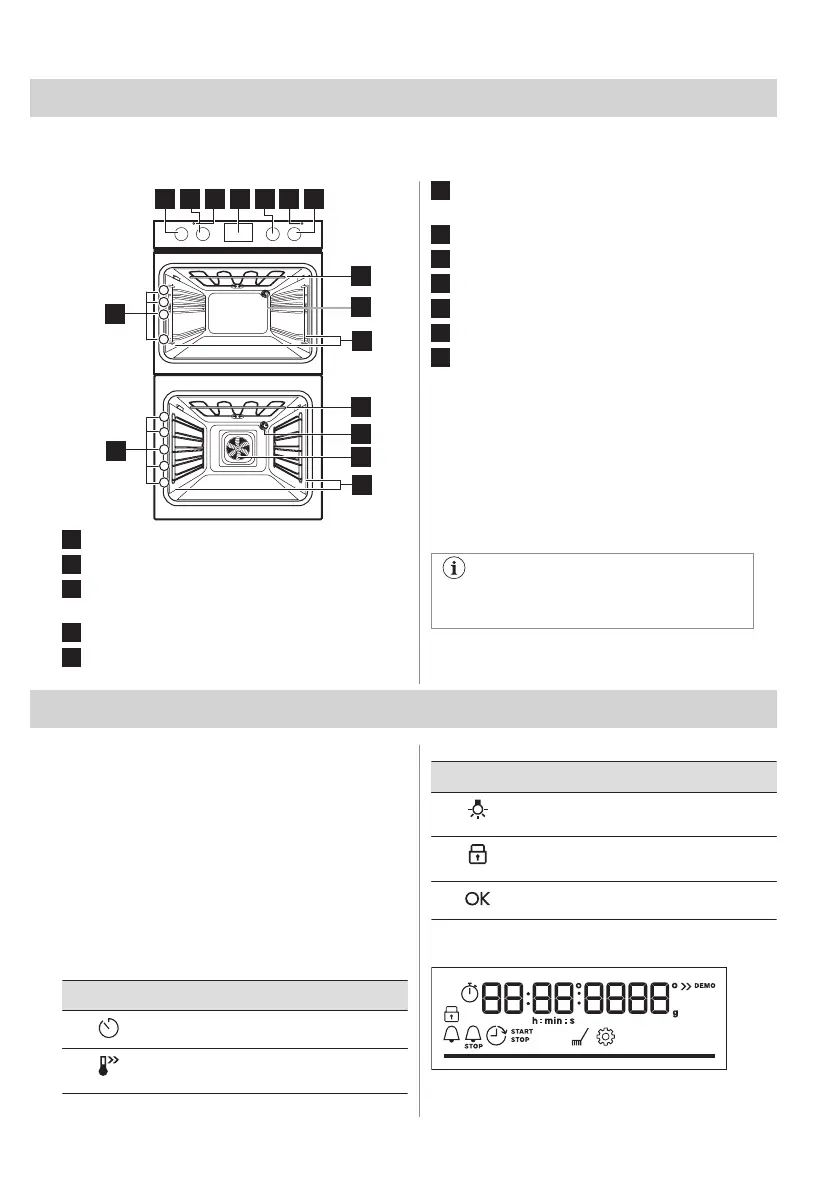
3.1 General overview
1 2 4 763
10
11
12
1
2
3
4
5
5
8
8
9
9
1
2
3
4
12
11
1
Knob for the top oven functions
2
Knob for the top oven temperature
3
Temperature indicator / symbol for the top
oven
4
Display
5
Knob for the main oven functions
6
Temperature indicator / symbol for the
main oven
7
Knob for the main oven temperature
8
Heating element
9
Lamp
10
Fan
11
Shelf support, removable
12
Shelf positions
3.2 Accessories
• Wire shelf
For cake tins, ovenproof dishes, roast
dishes, cookware / dishes.
• Grill- / Roasting pan
To bake and roast or as pan to collect fat.
• Trivet
For roasting and grilling.
Use the trivet only with the Grill- /
Roasting pan.
4. CONTROL PANEL
4.1 Turning the appliance on and off
To turn on the appliance:
1. Press the knobs. The knobs come out.
2. Turn the knob for the heating functions to
select a function.
3. Turn the control knob to adjust settings.
To turn off the appliance: turn the knob for the
heating functions to the off position.
4.2 Control panel overview
Main oven sensor fields
Press to set timer functions.
Press and hold to set the function:
Fast Heat Up.
Main oven sensor fields
Press to turn the appliance lamp on
and off.
Press and hold to set the function:
Lock.
Press to confirm your selection.
4.3 Display indicators
Display with key functions.
ENGLISH 7



 To Next Page