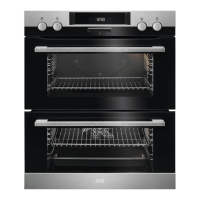
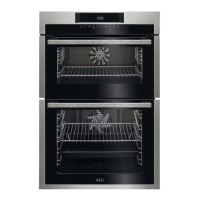
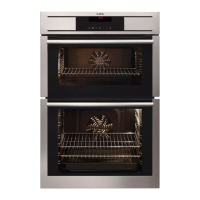
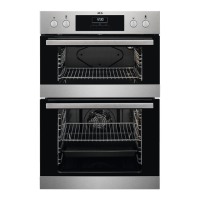
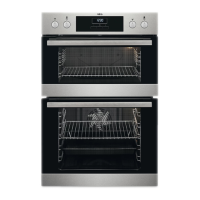
4. CONTROL PANEL
4.1 Electronic programmer
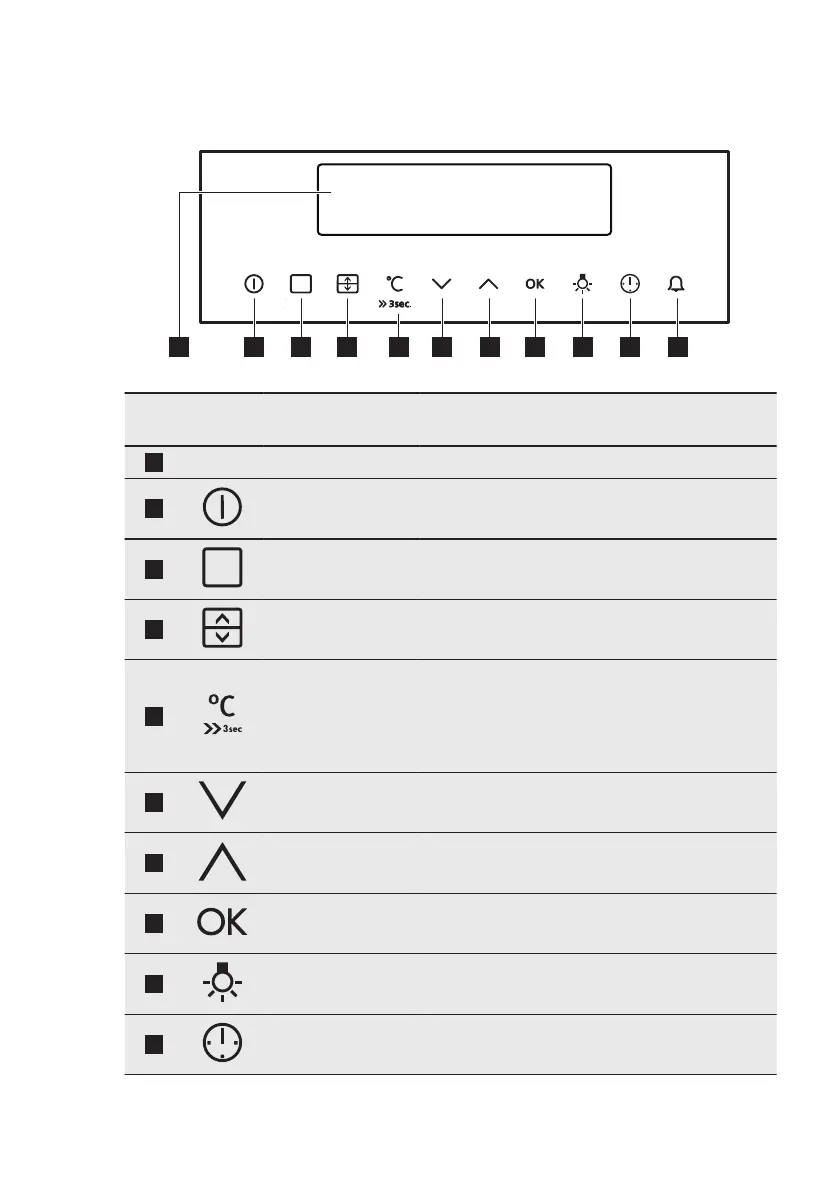
Use the sensor fields to operate the appliance.
Sensor
Field
Function Description
1
- DISPLAY Shows the current settings of the appliance.
2
ON / OFF To activate and deactivate the appliance.
3
OPTIONS To set an oven function or a cleaning function.
4
OVEN SELECTION To switch between top and main oven.
5
TEMPERATURE /
FAST HEAT UP
To set and see the cavity temperature or the
core temperature sensor temperature (if
present). If you press and hold it for three sec-
onds, it turns the Fast heat up function ON or
OFF.
6
DOWN To move down in the menu.
7
UP To move up in the menu.
8
OK To confirm the selection or setting. To move
down in the menu.
9
OVEN LIGHT To activate or deactivate the oven lamp.
10
CLOCK To set the clock functions.
www.aeg.com8


 To Next Page