8 Rev 0.0
USER INSTRUCTIONS
EN
1
On/o button
Press to power the appliance.
2
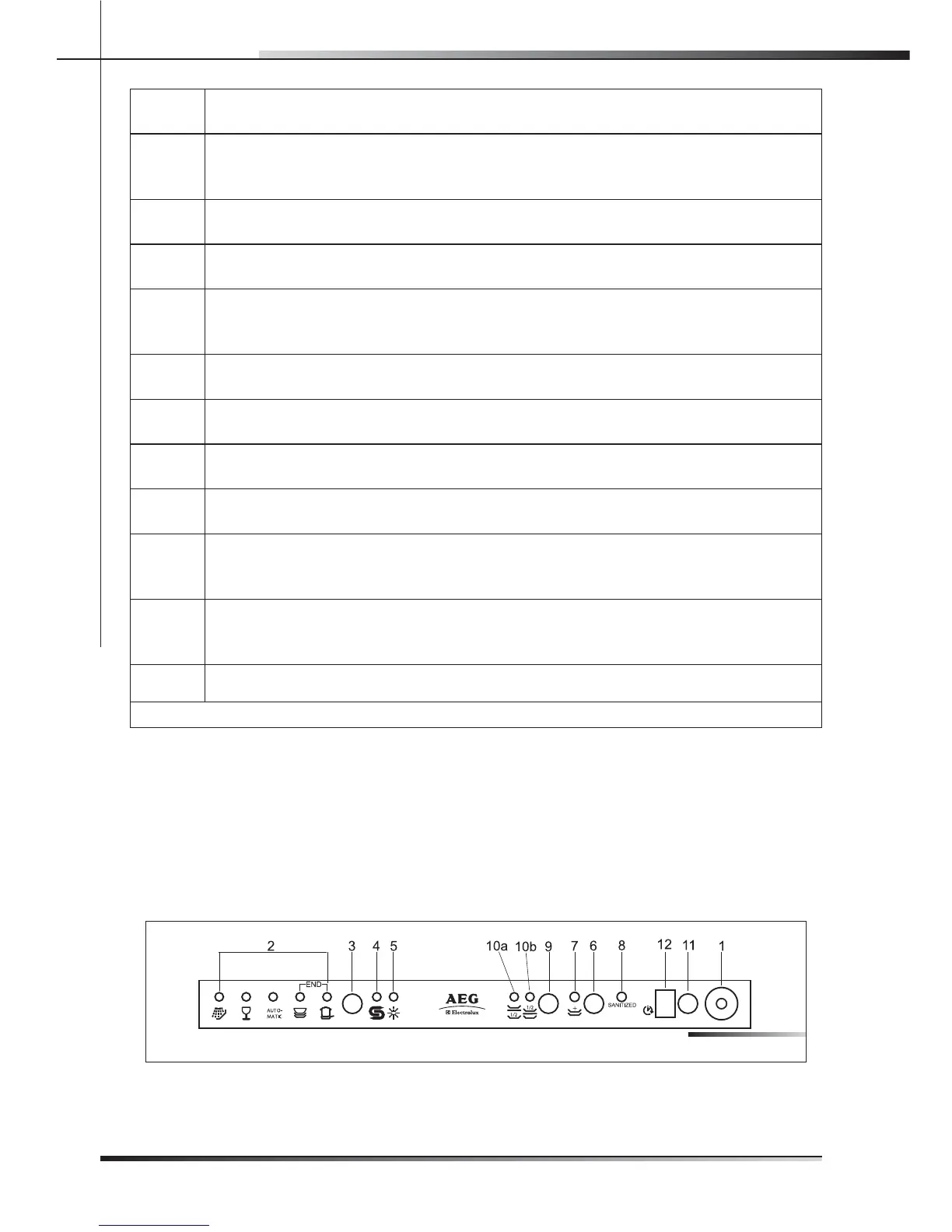
Program indicator lights
These show which program is selected and whether there are any faults
(Troubleshooting).
3
Program selection button
Press in sequence to select the required program.
4
Add salt indicator light (only tted on some models)
Shows the appliance has run out of salt.
5
Add rinse aid
(only tted on some models)
Shows the appliance has run out of rinse aid.
6
Supplementary program button
Press to select one of the ve supplementary programs (see table).
7
Supplementary program indicator light
Shows that one of the ve supplementary programs will be run (see table).
8
Sanitation indicator light
Shows that the function is active.
9
Half-load wash button (only tted on some models)
Press to select the half-load wash option.
10
Half-load indicator lights (only tted on some models)
One of the lights shines to show that the half-load wash function has been selected in
the upper or lower rack.
11
Program delay button
(only tted on some models)
Press to delay the start of the program up to 9 hours.
12 Display (only tted on some models)
Tab. 2-01
2.2 Setting the washing program and switching on
and o
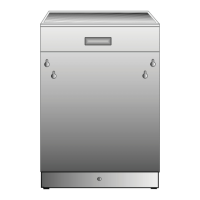
The dishwasher is equipped with a control panel (see g. 2-02) which is used to
program the appliance and switch it on and o .
FIG. 202


 To Next Page