6.8 Pause
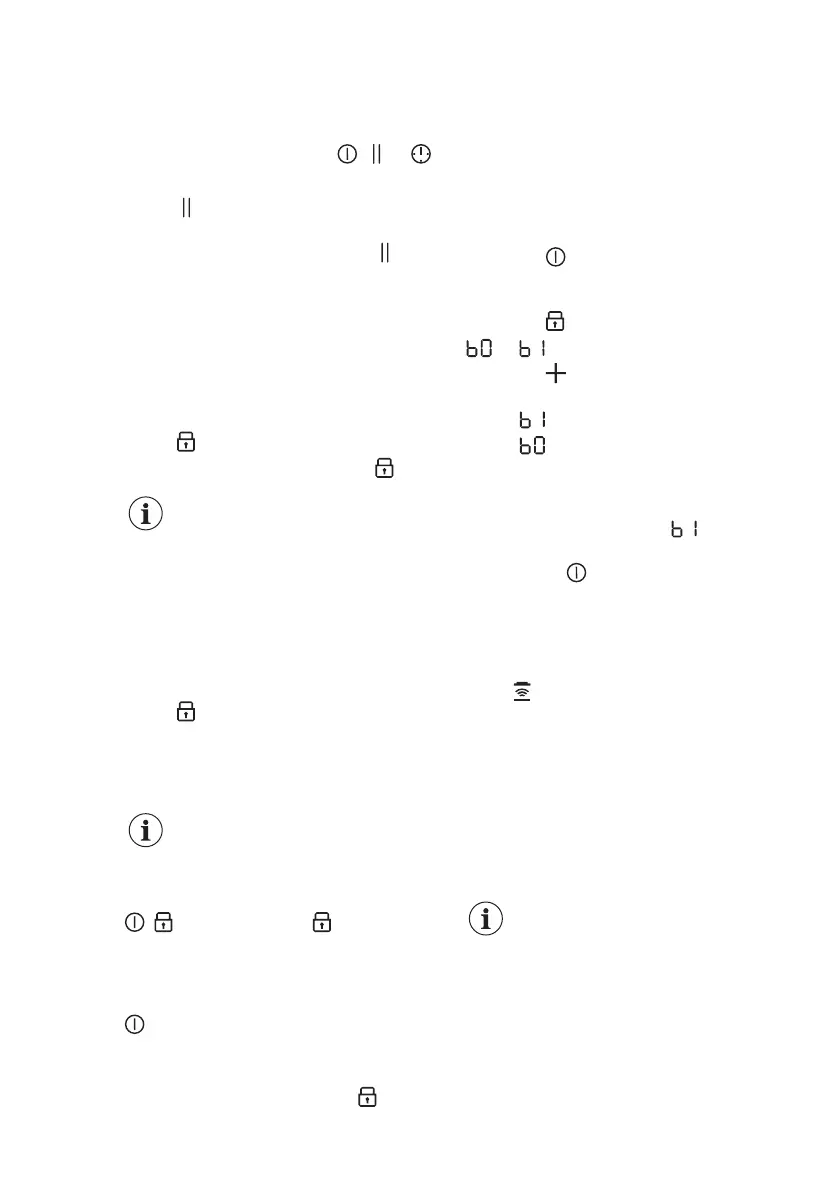
This function sets all cooking zones that
operate to the lowest heat setting.
When the function is active,
, or
symbols can be used.
Touch
to activate the function.
The heat setting is lowered to 1.
To deactivate the function, touch . The
previous heat setting comes on.
6.9 Lock
You can lock the control panel while the
hob operates. It prevents an accidental
change of the heat setting.
Set the heat setting first.
Touch to activate the function.
To deactivate the function, touch .
When you deactivate the
hob, you also deactivate this
function.
6.10 Child Safety Device
This function prevents an accidental
operation of the hob.
Activate the hob first and do not set the
heat setting.
Touch until signal sounds and the
indicator comes on to activate the
function.
The control bars disappear. Deactivate
the hob.
When you deactivate the
hob, the function is still
active.
To deactivate the function for only
one cooking time: Activate the hob with
. comes on. Touch until signal
sounds and the indicator comes off. The
control bar appears. Set the heat setting
within 50 seconds.You can operate the
hob. When you deactivate the hob with
the function is still active.
To deactivate the function
permanently: Activate the hob and do
not set the heat setting. Touch
until
signal sounds and the indicator comes
off. The control bars appear. Deactivate
the hob.
6.11 OffSound Control
(Deactivating and activating
the sounds)
Deactivate the hob first.
1. Touch for 3 seconds to activate
the function.
The display comes on and goes out.
2. Touch
for 3 seconds.
or comes on.
3. Touch of the timer to choose one
of the following:
• - the sounds are off
• - the sounds are on
4. Wait until the hob deactivates
automatically to confirm your
selection.
When the function is set to you can
hear the sounds only when:
• you touch
• Minute Minder comes down
• Count Down Timer comes down
• you put something on the control
panel.
6.12
Hob²Hood
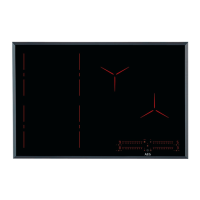
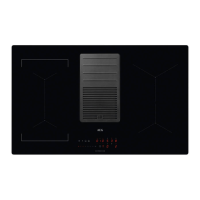
It is an advanced automatic function
which connects the hob to a special
hood. Both the hob and the hood have
an infrared signal communicator. Speed
of the fan is defined automatically on the
basis of the mode setting and
temperature of the hottest cookware on
the hob. You can also operate the fan
from the hob manually.
For most of the hoods, the
remote system is originally
deactivated. Activate it
before you use the function.
For more information refer to
the hood user manual.
Operating the function automatically
To operate the function automatically set
the automatic mode to H1 – H6. The hob
is originally set to H5. The hood reacts
whenever you operate the hob. The hob
www.aeg.com12


 To Next Page