English
34
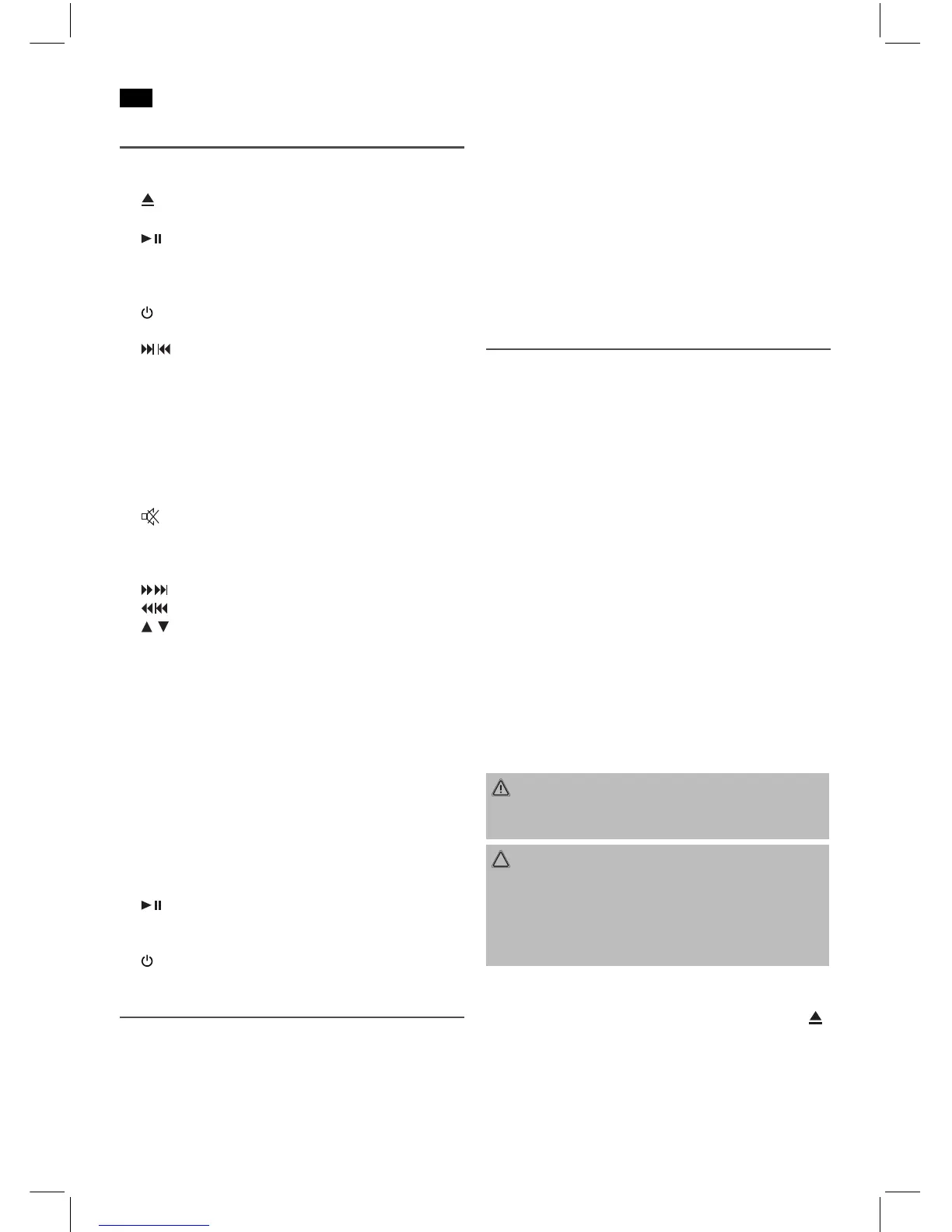
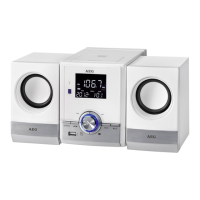
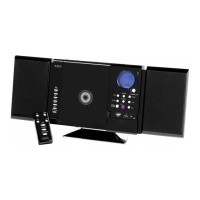
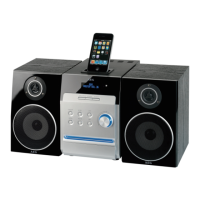
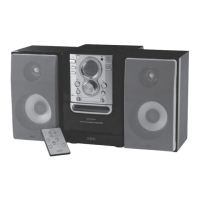
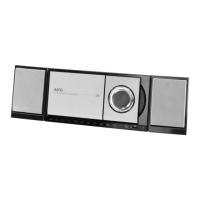
Overview of the Components
1 CD compartment
2 LCD display
3
PUSH (push) open CD tray
4 IR Sensor for the remote control
5
(Play/Pause) button
6 SOURCEfunctionselectionbutton
7 USB connection
8 AUXconnection
9
STANDBYbutton(on/standby)
10 VOL+/VOL- (Increase/decrease volume)
/ (next/previoustrack)
11 Control (Operational readiness)
Reverse Side (no picture)
Loudspeakerconnections(R/L)
ACMainsconnection
FMANT.throw-outaerial
Remote Control
1
MUTE button (mute)
2 Number buttons
3 +10 button
4 ALB+button(upalbum)
5
button(nexttitle/searchrunforward)
button (title piece / search run backward)
/
buttons (increase / decrease volume)
6 TUNE+button(Radiosearchrunupward)
7 FM button
8 SOURCEbutton(functionselectionbutton)
9 AUTO/STOPbutton(Stationscan/Stop)
10 RANDOMbutton(Shufereplay)
11 ST/MONO button
12 MEMORYbutton(memory)
13 EQ button (Equalizer)
14 SLEEP button (sleep timer)
15 REPEATbutton(repeat)
16 INTRObutton
17 CD button
18 USB button
19 TUNE-button(Radiosearchbackwards)
20 button (Play/Pause)
21 ALB-button(downalbum/radiostations)
22 PROGbutton(Memory)
23
STANDBYbutton(on/standby)
Intended Use
This device is used for
• Thereceptionofradioprogrammes
• Playingbackaudio/MP3CDs
• Soundreproductionofexternalaudiosources.
Itisintendedexclusivelyforthispurposeandmayonlybe
used as such.
It may only be used in the manner described in these instruc-
tions for use. The device must not be used for commercial
purposes.
Anyotheruseofthisdeviceisconsideredtobecontraryto
the intended use and may result in damage to materials or
even personal injury.
The firm ETV – Elektro-Technische Vertriebsgesellschaft mbH
does not accept any liability for damage caused as a result of
the use of this device contrary to its intended use.
Start-up of the device/Introduction
• Selectasuitablelocationforthedeviceandfortheloud-
speakers.Adry,at,non-slipsurfaceonwhichthedevice
can be easily operated.
• Makesurethatthedeviceisadequatelyventilated!
• Connectthespeakersonthebacktotheterminals“R
and L”.
• Removetheprotectivelmfromthedisplayifitisstill
present.
Power Supply
• Inserttheplugintoaproperlyinstalledpowersocket.
• Pleaseensurethatthemainsvoltagecorrespondstothe
information on the type plate.
Batteries of remote control (Batteries not included)
• Openthecoverofthebatterycompartmentontherear
side of the remote control.
• Insert2xR03“AAA”1.5Vbatteries.Pleaseobservecor-
rect polarity (see bottom of battery compartment)!
• Ifyoudonotusetheremotecontrolforalongerperiod
of time, please remove the batteries in order to avoid
“leakage” of battery acid.
WARNING:
Donotexposethebatteriestointenseheat,suchassun-
light, fire or similar. Danger of explosion!
CAUTION:
• Differentbatterytypesornewandusedbatteriesmust
not be used together.
• Donotdisposeofbatterieswithyourhouseholdtrash.
Please hand over at authorized collection points or
return to your dealer.
CD deck transport protection
• PleaseopentheCDcompartment(1)bypressingthe
PUSH button (3).
• RemovethetransportprotectionfromtheCDplayer
if present before use.



 To Next Page