Only the on/off button is unlocked.
Activating the child lock option:
1. Press the on/off button to activate the
appliance.
2. Press and hold touch button (E) for a few
seconds.
The child lock indicator comes on.
It is possible to deactivate the child lock
option while a programme operates.
Press and hold the same touch buttons
until the child lock indicator goes off. The
Child Lock function isn't available for 8 s
after switching on the appliance.
7.2 Adjustment of remaining
laundry moisture
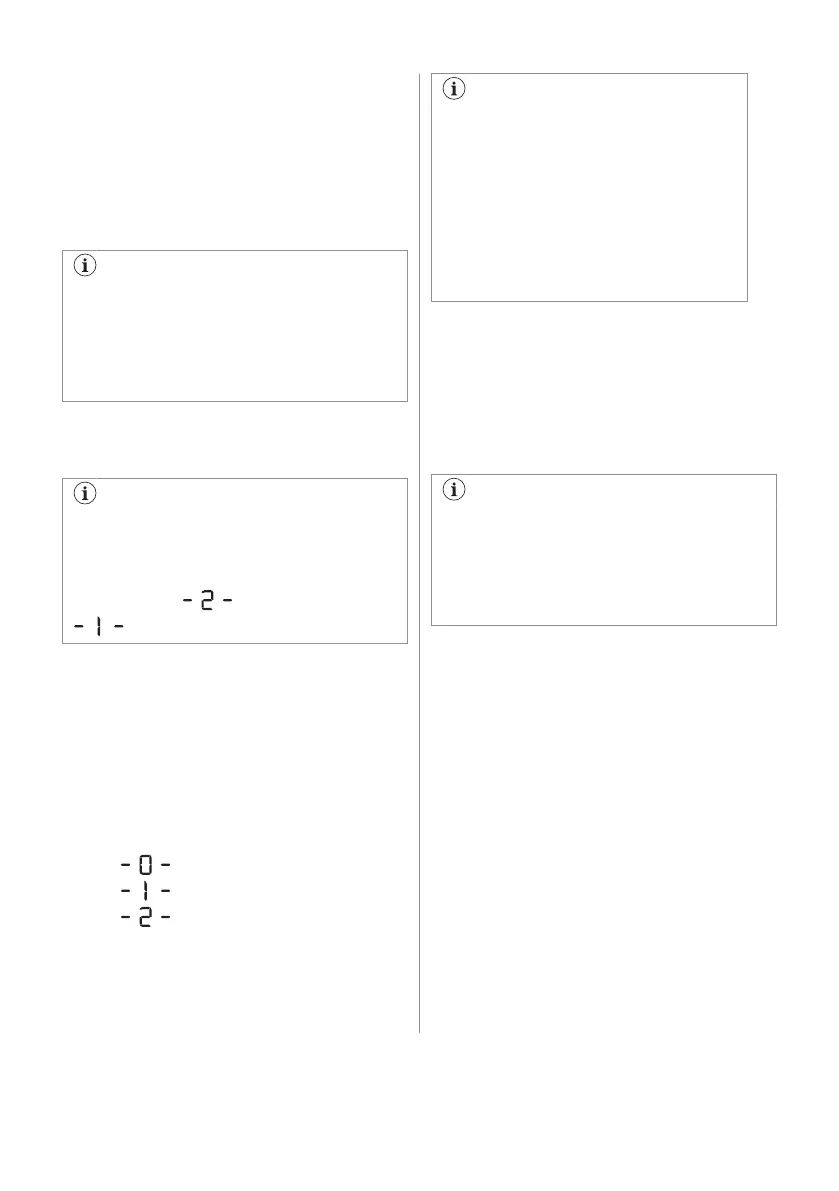
Every time you enter in the "Adjustment
of remaining laundry moisture" mode,
previously set degree of remaining
moisture will change into next value ( e.g
previously set will change into
).
To change the default degree of remaining
moisture:
1. Press the on/off button to activate the
appliance.
2. Use the programme knob to set any
programme.
3. Wait approximately 8 seconds.
4. Press and hold buttons (E) and (D) at the
same time.
One of these indicators comes on:
• the maximum dryness
•
the more dry laundry
•
the standard dry laundry
5. Press and hold buttons (E) and (D) again
until the indicator of the correct level
comes on.
If the display returns to the normal
mode (the time of the selected
programme from step 2. will be
displayed), while setting the degree
of remaining moisture, press and hold
buttons (E) and (D) once again to
enter to the "Adjustment of remaining
laundry moisture" mode (previously
set degree of remaining moisture will
change into next value).
6. After 5 s the display returns to normal
mode.
7.3 Water container indicator
By default, the water container indicator is on.
It comes on when the programme is
completed or when it is necessary to empty
the water container.
If a draining kit is installed (additional
accessory), the appliance automatically
drains the water from the water
container. In this case we recommend
that you deactivate the indicator of the
water container.
Deactivating the water container
indicator:
1. Press the on/off button to activate the
appliance.
2. Wait approximately 8 seconds.
3. Press and hold touch buttons (B) and (D)
at the same time.
The display shows one of these 2
configurations:
• The display shows "Off". After 5 s the
display returns to normal mode.
• The display shows "On". After 5 s the
display returns to normal mode.
7.4 Buzzer on/off
To deactivate or activate the acoustic signals,
press and hold for approximately 2 seconds
touch buttons (A) and (B) at the same time.
ENGLISH 13



 To Next Page