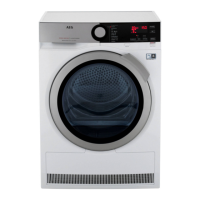
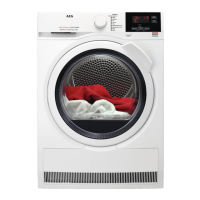
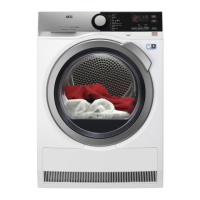
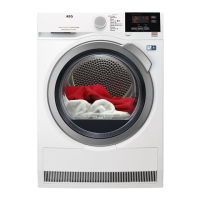
4. CONTROL PANEL
1
Programme knob and RESET switch
2
Display
3
Zeit (Time Dry) touch button
4
Zeitvorwahl (Delay Start) touch button
5
Start/Pause touch button
6
Knitterschutz (Extra Anticrease) touch
button
7
Extra Leise (Extra Silent) touch button
8
Indicator: clean filter, drain water
container,
check condenser
9
On/Off button
Press the touch buttons with your finger
in the area with the symbol or name of
the option. Do not wear gloves when you
operate the control panel. Make sure that
the control panel is always clean and dry.
4.1 Display
Symbol on the display Symbol description
child lock on
wrong selection or knob is in the "Reset" position
programme duration
ENGLISH 9



 To Next Page