8
Right soft key function. Press to go back to the previous
menu level or cancel the current action.
Right soft key function. Press the alarm or mute / unmute
the microphone during a call.
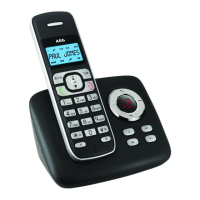
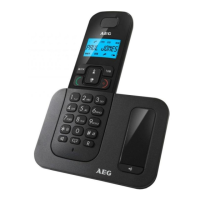
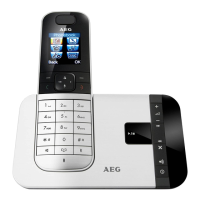
5.3 Base station with telephone answering machine (TAM) control
(see P3)
# Meaning
9
Find
tPress to find / page all registered handsets or the
wireless headset.
tPress and hold to put the base unit into registration
mode, when registering a new handset or headset.
10
Answer on/off
Press to turn on/off the answering machine.
11
Delete
In idle mode: press and hold to delete all messages,
if all of the messages in the answering machine have
been reviewed.
During message playback: press to delete the current
message.
12
Volume down
In idle mode, during message playback or during call
screening: decrease the loudspeaker volume by one
level (0 to 8).
13
Volume up
In idle mode, during message playback or during call
screening: increase the loudspeaker volume by one
level (0 to 8).
14
Repeat
During message playback: press once to repeat the
current message from the beginning. Press twice to
playback the previous message.


 To Next Page