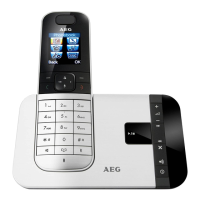
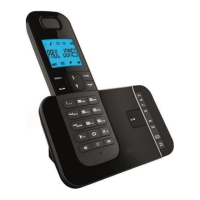
9
UK
15
Play / stop
In message playback mode: press to playback or stop
playing messages.
16
Skip
In message playback mode: press to play the next
message.
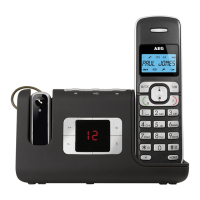
5.4 Base two digit-LED display information
--
Steadily on: answering machine is off.
00
Steadily on: there are no voice messages in the answering
machine.
09
Flash in idle mode: indicates the number
of new answering machine messages.
(e.g. there are 9 answering machine messages in total, with
a capacity for 59).
Flashing during message playing: The selected new
answering machine message is being played.
Steadily on: all the new messages have been read and there
are 9 answering machine messages in total.
FF
Flashing: TAM memory is full.
--
Flashing: time is not set and only old messages remain.
An/09
Flashing: indicates an incoming call / recording of an
incoming call.
The number (e.g. 09) indicates the total number of new
messages.
rA
Flashing: indicates the line remote access is in progress.
L3
Steadily on: indicates the base speaker volume level is 3.
Nine volume levels from L0 to L8 are provided (L0 means
ringer off).


 To Next Page