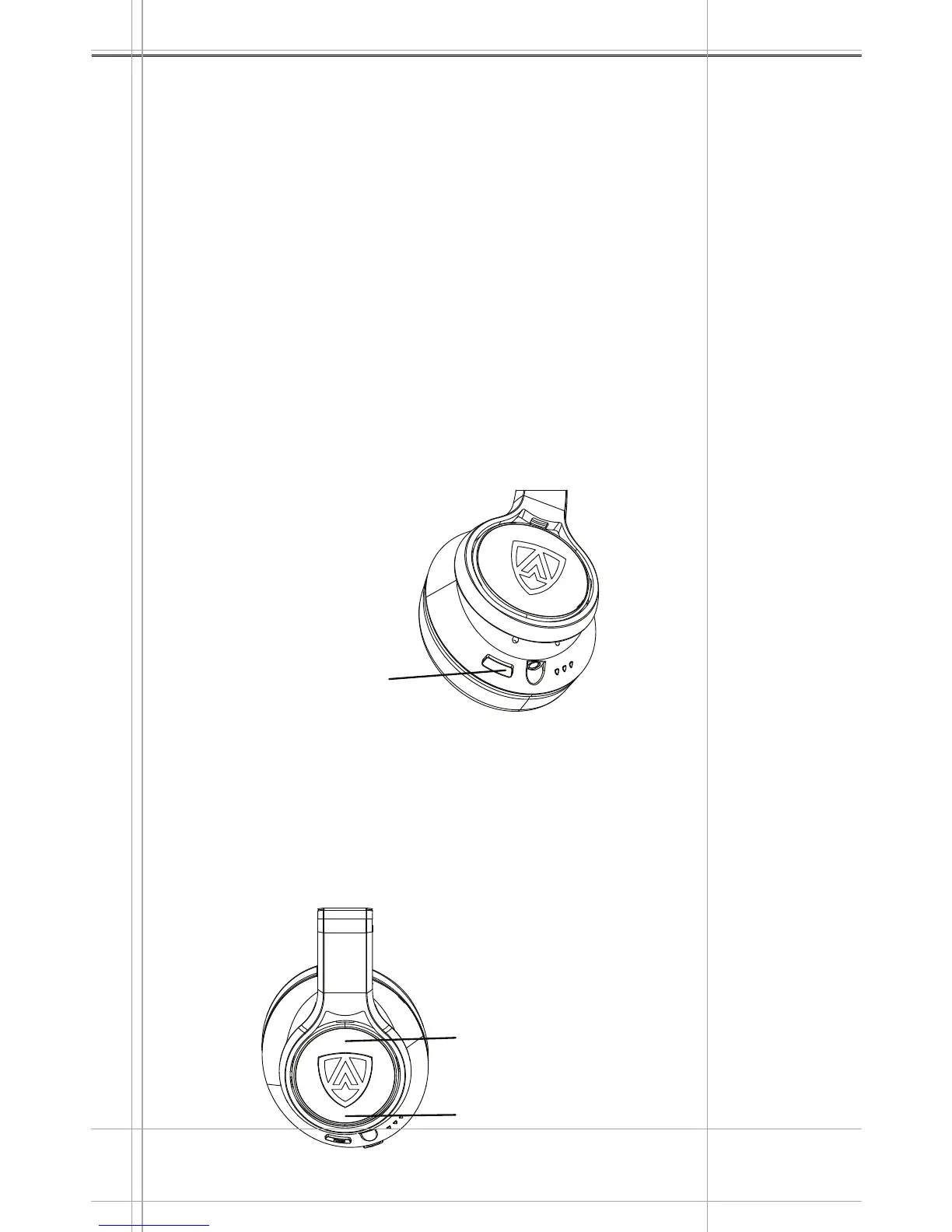
POWER
INPUT
MIC
AEGIS PRO
Powering on the headphones
Press and hold the POWER BUTTON for more than 3 seconds.
You will hear the “POWER ON” sound prompt and the LED will
show the battery life of the headphones.
The headphones is powered on.
NOTE: Because of the active 85dB volume limiting function, the
headphones has to be POWERED ON when in both wireless and
wired mode.
Using the headphones
15
Press and hold for
more than 3 seconds.
1.
2.
3.
Adjusting the volume
You can adjust the volume of the headphone at any time according
to your mood or preference.
Press the volume up button to increase the volume.
Press the volume down button to reduce the volume.
1.
2.
Powering off the headphones
Press and hold the POWER BUTTON for more than 3 seconds.
You will hear the “POWER OFF” sound prompt and the LED will
flash the battery life of the headphones.
The headphones is powered off.
1.
2.
3.
Press once for
Volume +
Press once for
Volume -
Right Earcup
Right Earcup


 To Next Page