11
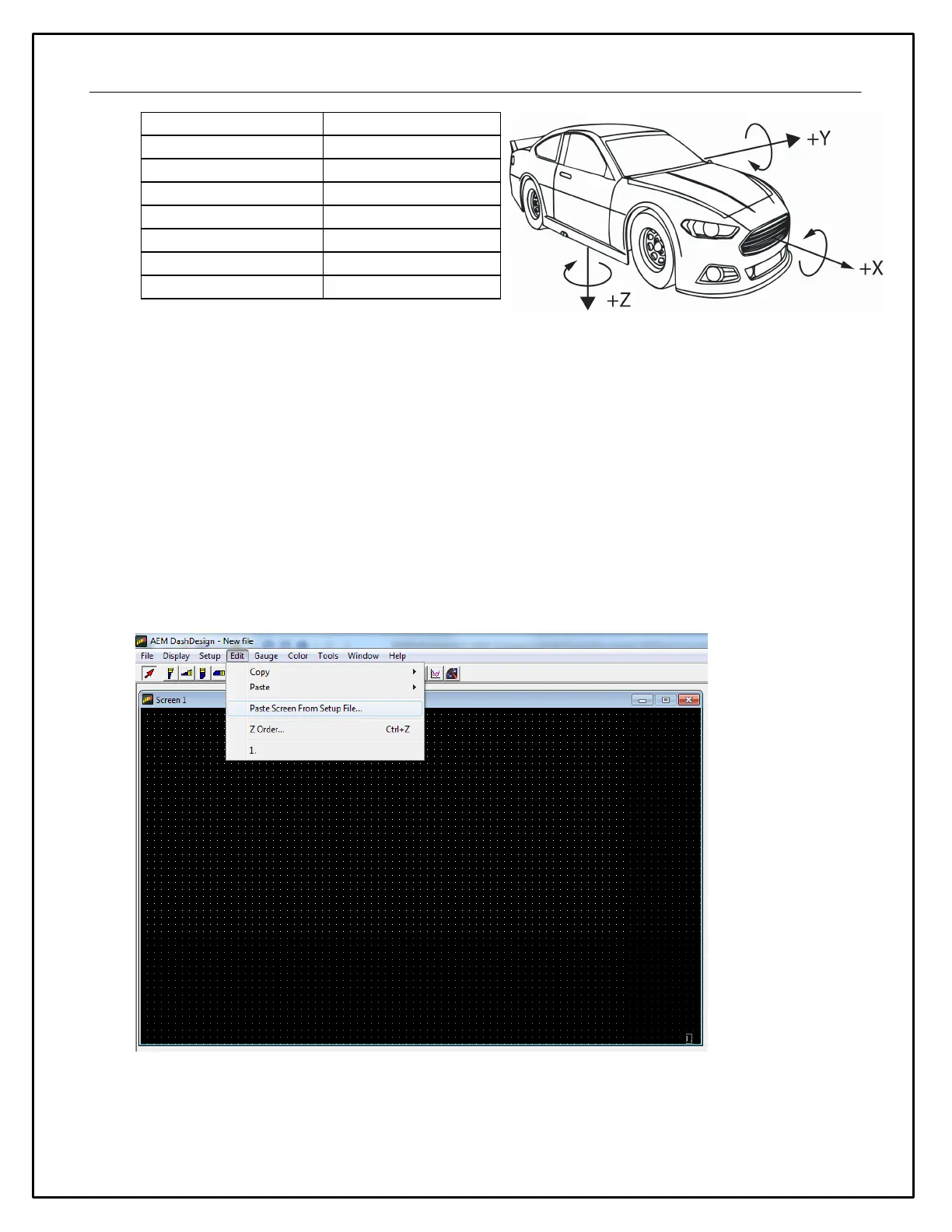
*If +x is mounted in the direction of travel
Display Setups
The display setup file has the extension .aemcd7 and contains all the information needed to configure a color
display including connection definition, sensor calibration and screen layout.
Default Display Setups
AEM supplied setup files will be located in the \Documents\AEM\DashDesign\Setups folder.
You can copy entire pages from another file. First, make sure the target page is open and selected and that
the layout is unlocked.
Select: Edit | Paste Screen From Setup File
Select the file that contains the screen you want to copy. A window will open showing the six screens in the
target file.


 To Next Page