22
Creating a New Display Setup
To create a new display setup:
· Select File | New
· Select Setup | Display | CAN Receive
Updating Color Display Firmware
As part of the continuing development process, from time to time new versions of the AEM CD-7 / CD-7L
firmware will be released with new DashDesign installers. To upload the new firmware:
· Firmware files are installed to the \Documents\AEM\DashDesign\Firmware folder.
· Connect the color display to your PC using the USB link..
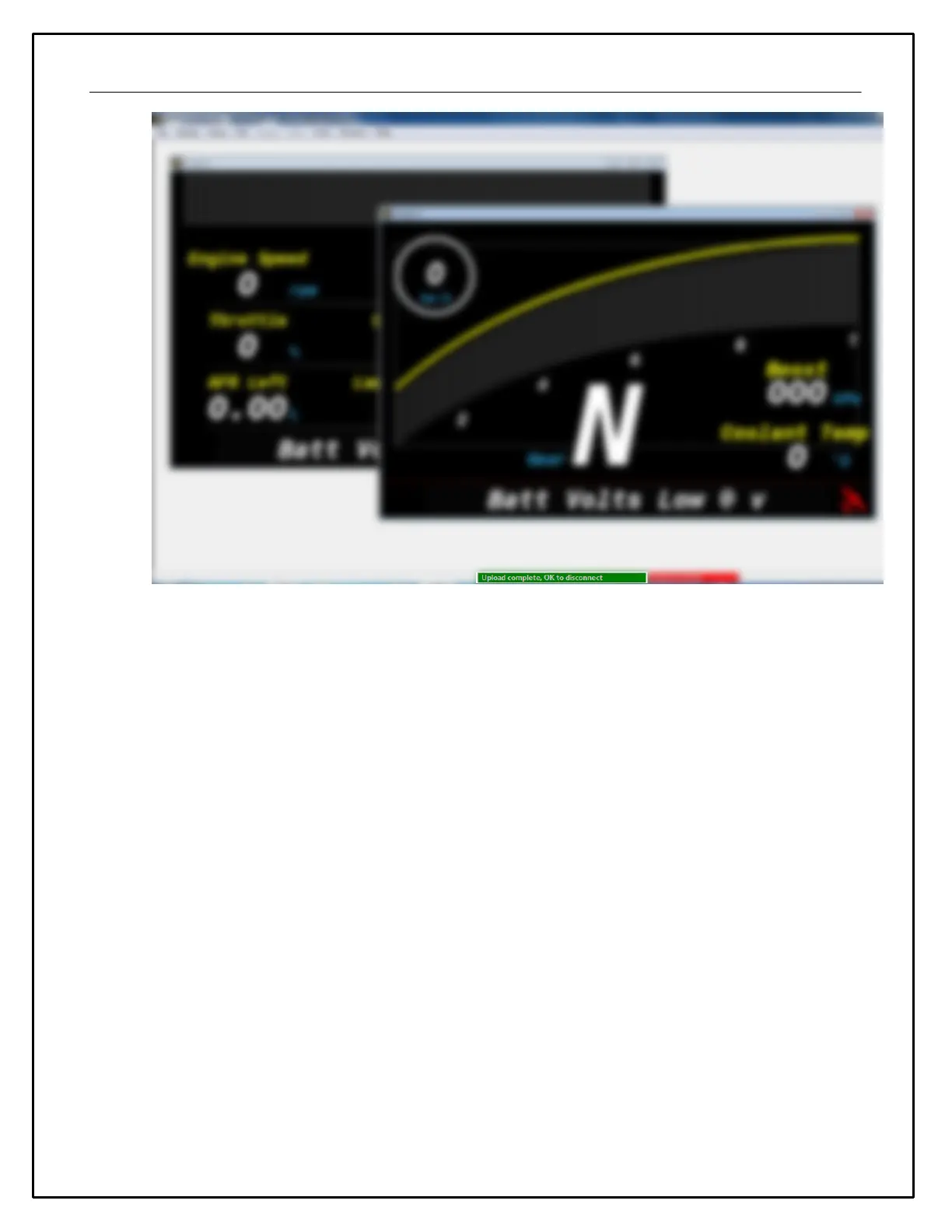
· Select Tools | Upload Firmware. Select the firmware (.bin) file from the location above.
· The upload process starts. Do not switch the display off during the upload process as this may corrupt the
firmware.
· Once the upload process has finished, unplug the USB cable to reboot the display.


 To Next Page