38
The Settings dialog will be populated correctly with all AEM supplied setup files. The options can be changed
for custom setups. Night mode dialog box should be empty unless you want to control the mode via CAN.
Default is empty and controlled by the flying lead harness input.
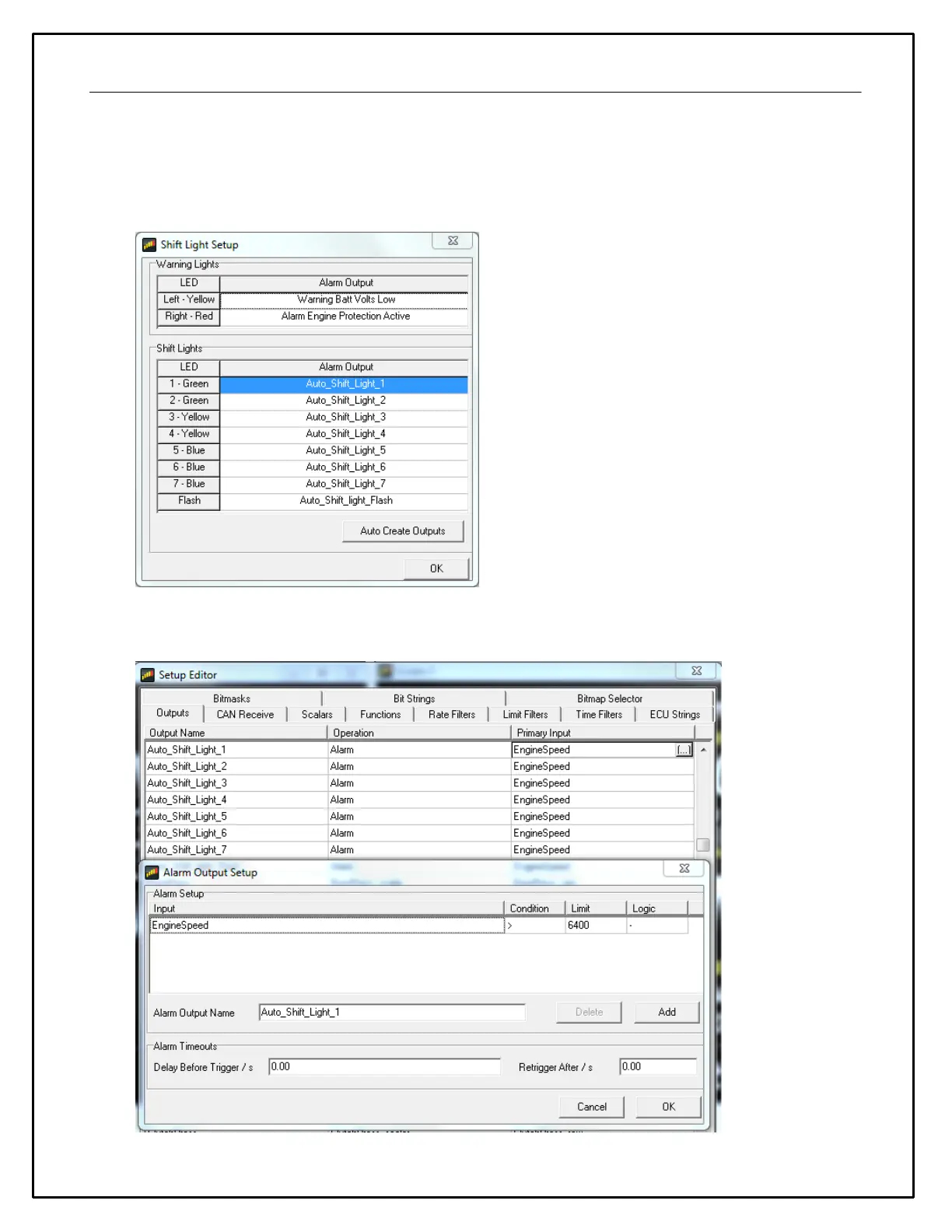
Shift Lights & LEDs
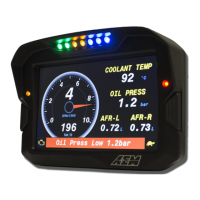
The LED and shift light setup will be pre-configured with AEM supplied setup files. The Alarm outputs used to
trigger the LEDs can be adjusted in the Setup Editor as shown in the example below.


 To Next Page