12
The programme requires the system to circulate chilled water.
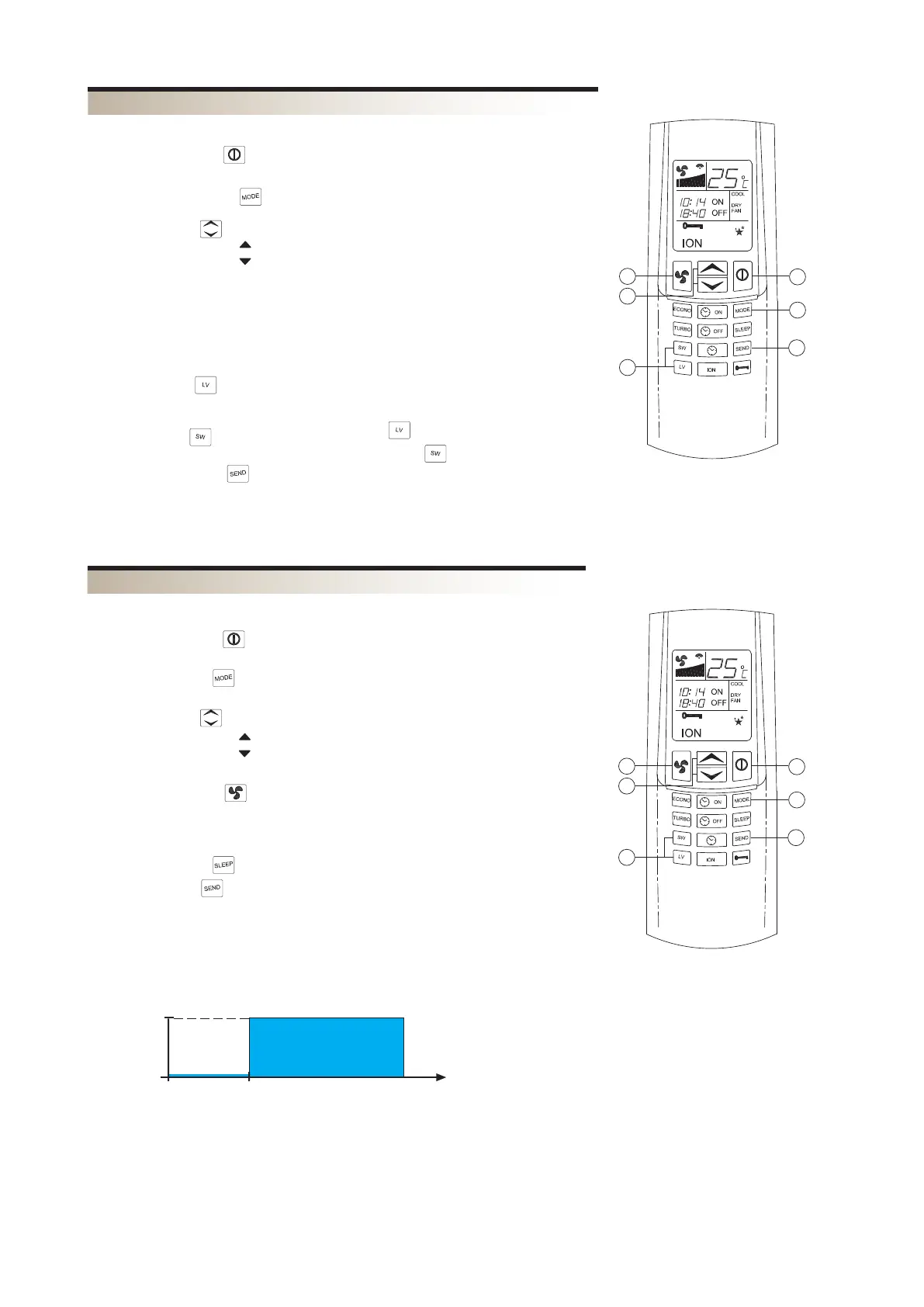
1) PRESS THE ON/OFF
The fan coil comes on and the display is switched on.
2) PRESS THE KEY MODE
Press the MODE key repeatedly until the word DRY appears on the display .
3) PRESS THE KEYS TO CONTROL THE TEMPERATURE
– The key with the symbol
– The key with the symbol
4) TO DIRECT THE AIR FLOW
To ensure optimum air distribution, adjust the horizontal blades and the vertical
blades in such a way that the air flow does not hit people directly. The vertical air flow
blades must be set manually before starting up the motorised blades.
Never adjust the motorised horizontal blades manually.
When the LOUVER key is pressed repeatedly, the horizontal blade is adjusted to 4
fixed blade positions, then a swinging blade movement will begin. If you wish to stop
the blade in a particular position, press the LOUVER key.
When the SWING key is pressed a swinging blade movement will begin. If you wish
to stop the blade in a particular position, press the SWING key again.
5) PRESS THE SEND KEY
To transmit the new parameters shown on the LCD to the main control unit.
The fan coil unit will always operate at minimum speed.
DEHUMIDIFICATION PROGRAMME (DRY)
2
3
4
5
6
Tset + 1°C
Tset °C
Tset - 3°C
Tset - 2°C
Tset - 1°C
Tset °C
0 30’ 1h 2h h
0 1h h
“SLEEP”
The SLEEP programme operates regardless of the time of day.
Normally it is used during the night time hours.
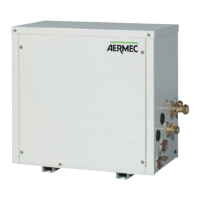
1) PRESS THE ON/OFF KEYS
The fan coil unit comes on and display is switched on.
2) PRESS THE MODE KEY
This can only be activated with COOL programmed.
3) PRESS THE KEYS TO CONTROL THE TEMPERATURE
– The key with the symbol
– The key with the symbol
4) PRESS THE FAN KEY
-
cessor.
5) PRESS THE SLEEP KEY
6) PRESS THE SEND KEY
To transmit the new parameters shown on the LCD to the main control unit.
WHAT HAPPENS WHEN THE NIGHT COMFORT FUNCTION “SLEEP” PROGRAMME IS SET
The temperature set point is automatically adjusted to ensure comfortable conditions
whilst saving energy.
NIGHT COMFORT FUNCTION (SLEEP)
1
6


 To Next Page