24
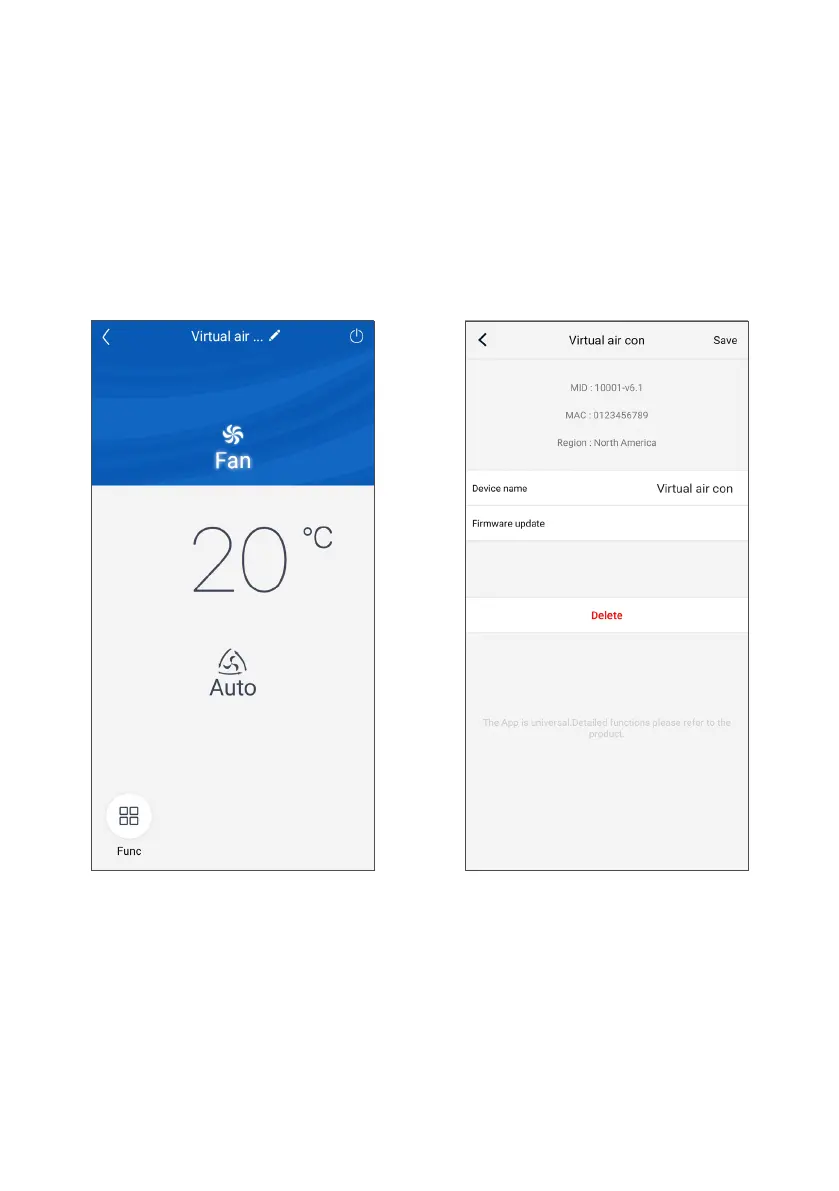
To access the unit settings, tap “Settings” to the side of
the name from its operating screen.
The screen that appears next will also show the
Firmware version of the WiFi module.
RENAMING THE UNIT
Tap the current name of the unit on the “Settings”
screen (e.g.: AC5bcf ). Then enter the new name you
selected and confirm.
Once the changes are complete, tap "Save" to the top
right to confirm the unit settings.
CUSTOMISING THE SPLIT UNIT



 To Next Page