7
WRITE YOUR ACCOUNT DATA HERE
Username: ___________________________________________________________________________________
Email: _______________________________________________________________________________________
Password: ___________________________________________________________________________________
STARTING THE “EWPE SMART” APP AND
ACCOUNT REGISTRATION
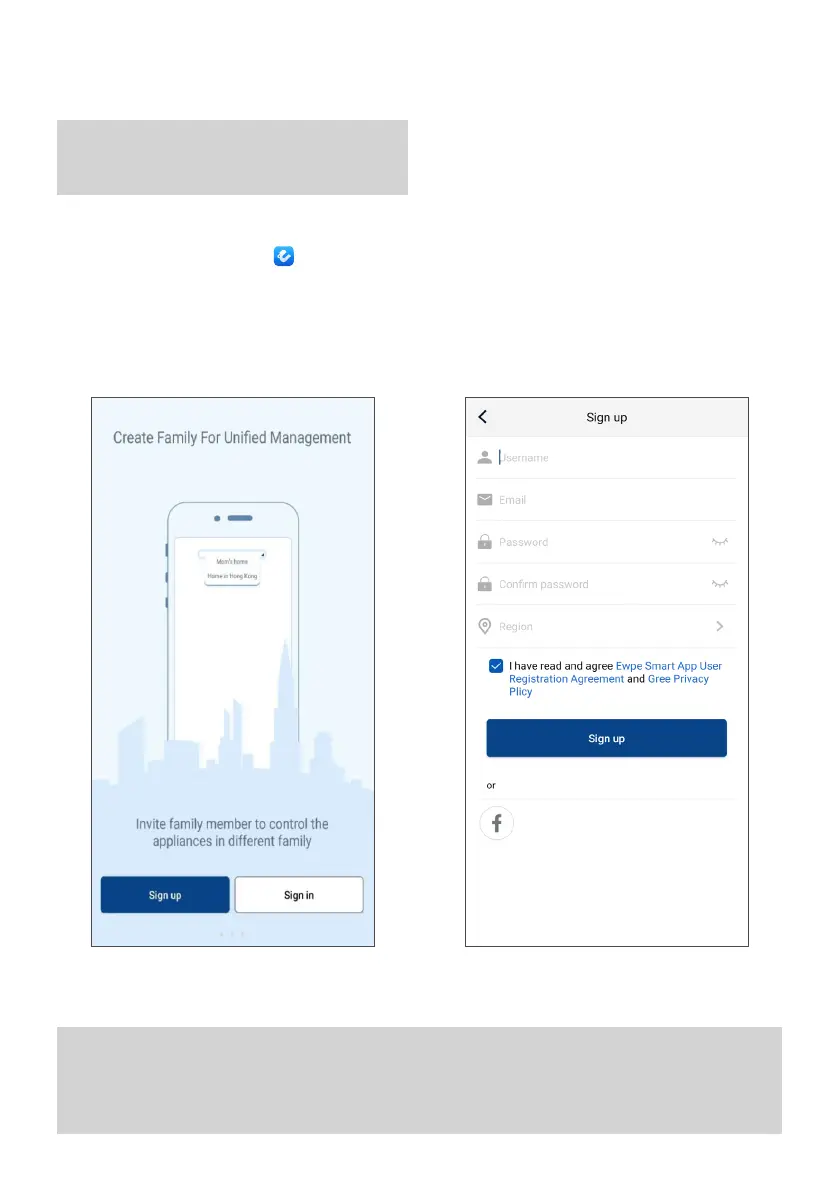
2. Tap “Register” to access the account creation screen. 3. Once all the fields have been completed, tap
“Register”
WARNING
Before starting the app, deactivate your device's
data connection from the settings menu.
STARTING THE APP
Search for the “EWPE SMART” icon on your device
and start it.
ACCOUNT REGISTRATION
1. After starting the app, the following screen appears:



 To Next Page