SPL User Manual Page 16 of 24 0412-6180864-rev.00
11.2 Alarm reset/anomalies
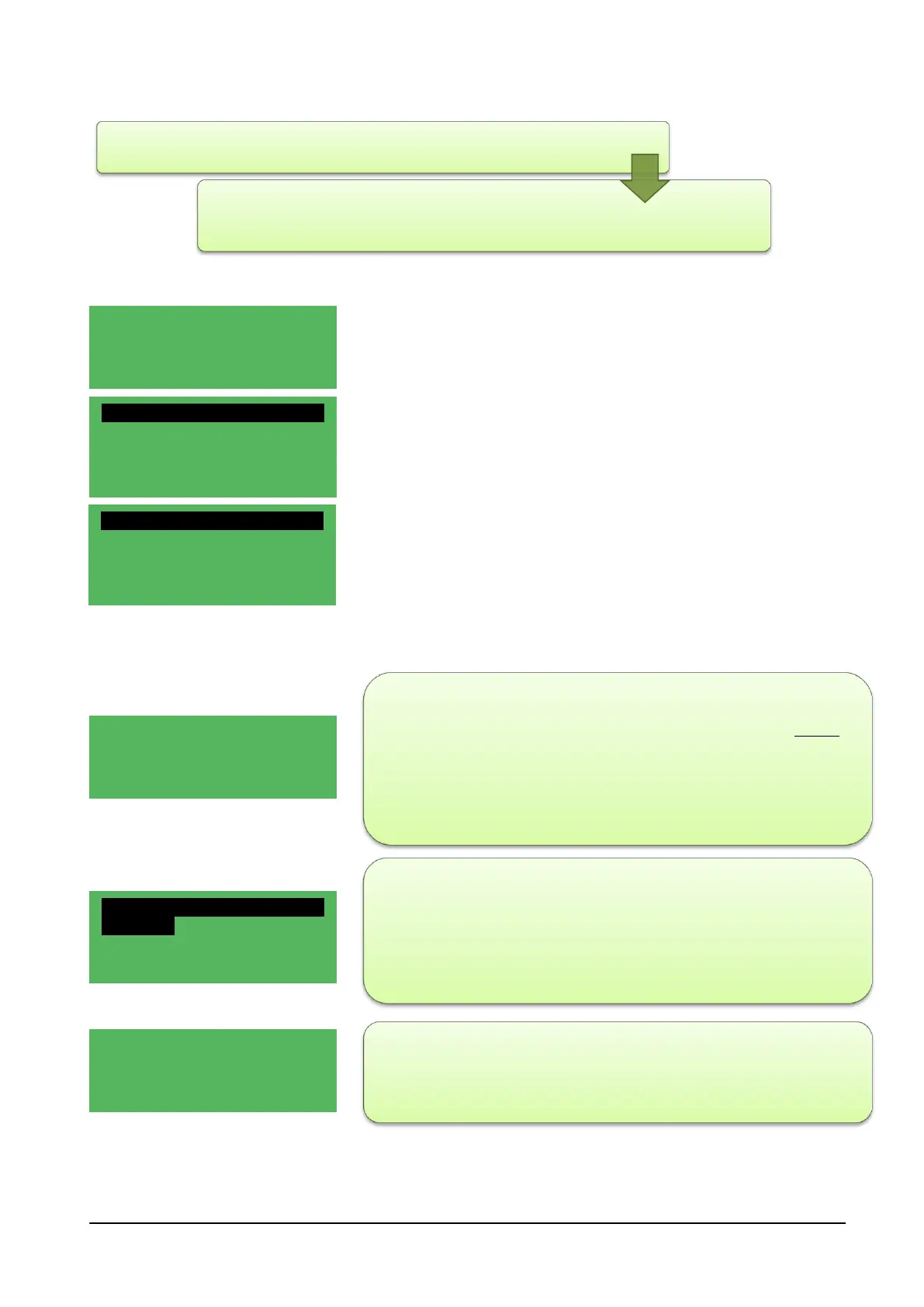
When a condition of alarm/anomaly persists, this condition is indicated
on the main display screen together with the words
"!Anom" and the lighting of the red led , flashing or fixed.
To know the cause that generated the alarm, simply press and hold the
F3 key (shortcut) of the FUNCTION key;
screen (1/2) shows a first part with the Bios Alarms, User Alarms and
Probe Errors and a second part (2/2) proposes the Alarms reset option,
an alarm log and the cancel option of the alarms log.
The High and Low temperature alarms are reset:
- Manually if resettable
- When the system is turned on or off;
- When exiting the configuration mode ;
- Press ENTER/PUSH from the MENU to select the “Bios Alarms”; the
display may show “EMPTY” meaning that the alarm signalled is not in
the Bios or it may show the wording of the type of alarm detected.
Press the ESC key and try to see, moving with the UP - DOWN keys, if
an alarm in the User alarms is detected. The same procedure can be
used to check the Probe Errors.
- Having established what type of error has been detected, with the UP
- DOWN keys, select Reset Alarms and press ENTER/PUSH of the
MENU: "OK" is displayed for a fraction of a second and, resetting the
alarm, the alarms screen appears again.
By pressing the ESC key of the MENU, the system returns to the main
screen; the word “!Anom.” disappears and the red LED switches off.
Hh:mm NRGXTPRO 01/02
Comfort ! Anom.
Room Temp. 27.1°C
Room Hum. 26.3 %
ALARMS 01/02
Bios Alarms
User Alarms
Probe errors
ALARMS 02/02
Alarms Reset
Log
Cancel Log
Hh:mm NRGXTPRO 01/02
Comfort
Room Temp. 27.8°C
Set Point 26.3 %
ALARMS 02/02
Alarms Reset
Log
Cancel Log



 To Next Page