2-60 Subject to Export Control, see Cover Page for details.
A. Annunciator Screen
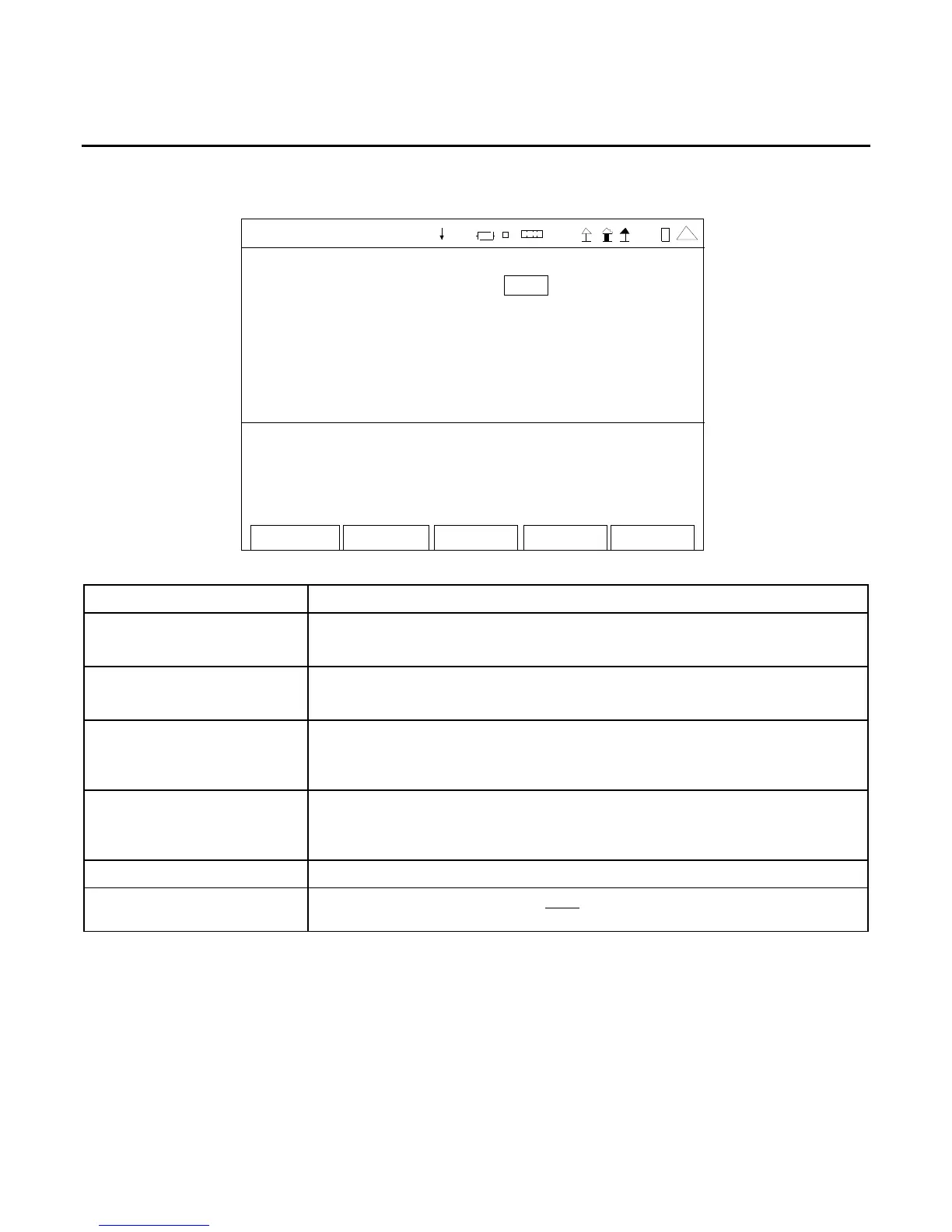
When the Utilities Menu is displayed, press the 1 Key to access the Annunciator Screen:
Edit Return
ANNUNCIATOR
Alarm: On
Key Press: Off
PTT: Off
41 20 29
SCREEN FEATURE FUNCTION
Alarm Used to enable the audible alarm.
Select: On or Off
Key Press Used to enable the audible tone on each key press.
Select: On or Off
PTT Used to enable the audible tone when the PTT is pressed on the
microphone.
Select: On or Off
F1 “Edit” / “Done” Edit Highlights the selected field to be changed or changes the
field value if the field only contains two selections.
Done Ends the Field Edit and saves the new setting / value.
F2 “Return” Displays the Utilities Menu (para 2-2-5).
F5 “Esc” Ends the Field Edit, but does NOT save any changes to the setting or
value.













 To Next Page