Subject to Export Control, see Cover Page for details. 2-61
B. Remote Screen
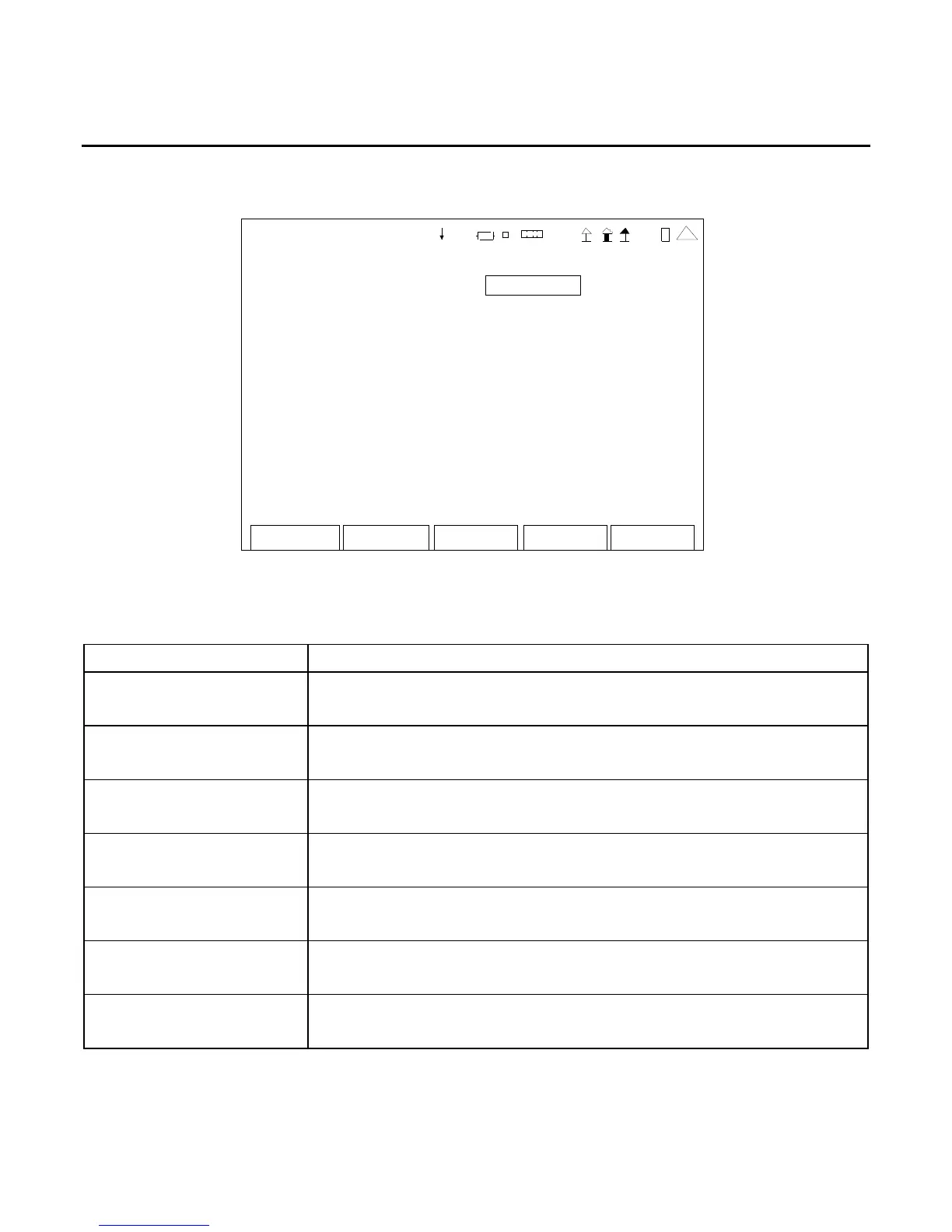
When the Utilities Menu is displayed, press the 2 Key to access the Remote Screen:
Edit Return
Co nfig
REMOTE
Config Port: ETHERNET
IP: 10 10 10 193
Subnet Mask: 255 0 0 0
Gateway: 0 0 0 0
Ethernet Port: 9991
Eth ernet Type: STANDA RD
Port Currently Active: ETHERNET
41 20 29
NOTE: For screen settings to be effective, the F5 “Config” Key should be pressed whenever the
screen is changed.
SCREEN FEATURE FUNCTION
Config Port Used to select the remote connection.
Select: ETHERNET, USB or RS-232
IP Used to select the IP address.
Select: 0 0 0 0 to 255 255 255 255
Subnet Mask Used to select the Subnet Mask address.
Select: 0 0 0 0 to 255 255 255 255
Gateway Used to select the Gateway address.
Select: 0 0 0 0 to 255 255 255 255
Ethernet Port Used to select the Telnet port.
Select: 1000 to 9999
Ethernet Type Used to select the Ethernet type.
Select: STANDARD or DEV (Scripting Option)
Port Currently Active Used to select the active remote connection.
Select: ETHERNET, USB or RS-232













 To Next Page